Timed use case: an 8-slide consulting proposal in 3 min 25 s
An agent built, checked, exported and translated an 8-slide consulting proposal from an anonymized brief. Every step is timestamped, and you can download the deck.
On 24 September 2026, we timed a coding agent on an everyday consulting task: turning a brief into an 8-slide engagement proposal. It read the brief, picked its templates, wrote the .deck file, validated, rendered and reviewed it slide by slide, fixed three defects, exported a PowerPoint file, then delivered an English version.
Measured time: 3 min 25 s, with one correction loop. That figure is not an estimate. Every step is timestamped, the raw log is at the end of this article, and both decks are available to download, so you can check the result or run the test yourself.
The brief
The agent worked from a French brief, since the proposal was meant for a French-speaking client. Here it is, translated:
Client A is a B2B services company of about 80 people. Its leadership wants to know where AI can save time for its sales and administrative teams. Prepare an 8-slide engagement proposal: opening, point of view, context and objectives, a four-step approach over four weeks, deliverables, timeline, the engagement in numbers, next steps. No pricing in this version, no testimonials. Sober tone.
The French original also asked for the formal "vous" form of address.
Client A does not exist. The brief was written for this test, modelled on a common consulting proposal: it contains no name, data or result from a real client. The numbers in the deck (4 weeks, 12 interviews, 2 use cases tested) describe the proposed engagement, not outcomes. The agent set them itself, as a consultant drafting a proposal would.
The protocol
- Agent: Claude Code running Claude Opus 5.5, with no human input during the run.
- Tools: the
deckCLI 1.3.0, the same version as the downloadable app, and the Decktype skill from that release. No custom templates: only thestandardpack was installed. - Machine: Mac mini (Apple M4, 16 GB), macOS 26.6.
- Start and stop: the clock starts when the agent opens the skill and the brief, and stops after it reviews the last English slide.
- Measurement: one UTC timestamp per step, and every
deckcommand timed with/usr/bin/time. A timestamp is written when the command that carries it runs, so the time the agent spends writing a command counts toward the previous step. - Not timed: installation, human review, opening the file in the app, and sending it to the client.
- Renders: the test environment has no GPU access, so
deck renderran on a software GPU (SwiftShader), using the 1.3.0 rendering code built with one extra graphics backend. Before the test, gallery renders produced this way were compared with renders from the Mac's GPU: the mean difference is below 0.01 colour levels out of 255.
The timing
| Step | Duration | What happened |
|---|---|---|
| Reading | 7 s | Decktype 1.3.0 skill and brief. |
| Outline | 45 s | deck capabilities, deck templates list (10 templates, standard pack), the template catalogue and format cheat sheet, the 8 chosen templates, then a one-line plan per slide. |
| Compose | 18 s | deck new, then 8 template and slot bindings written to deck.json. |
| Check 1 | 14 s | deck validate (0 errors), deck lint, deck regenerate, deck lint --visual (1 overflow), deck render (8 PNGs). |
| Review 1 | 47 s | All 8 renders inspected: 3 defects and one template limitation found. The skill's rewrite procedure consulted, fixes written. |
| Check 2 | 2 s | deck regenerate (3 slides), validation, lint and visual lint with no findings, new render. |
| Review 2 | 8 s | The 3 fixed slides inspected. |
| Export | 30 s | deck export to .pptx (8 slides, 0 warnings). In the same interval, the agent also wrote the English copy for the next step. |
| English version | 34 s | Deck copied, slot values rewritten in English, regenerated, validated, rendered, all 8 slides reviewed. |
| Total | 3 min 25 s | 1 correction loop, 30 deck commands. |
The 30 deck commands spent 9.2 s computing in total, 8.8 s of which went to the three renders on the software GPU; the other 27 commands took 0.4 s together. The rest of the time belongs to the agent: reading, deciding, writing, looking.
Two more markers from the log: the first full render landed 1 min 20 s after the start, and the corrected, reviewed French deck was ready at 2 min 21 s.
The result
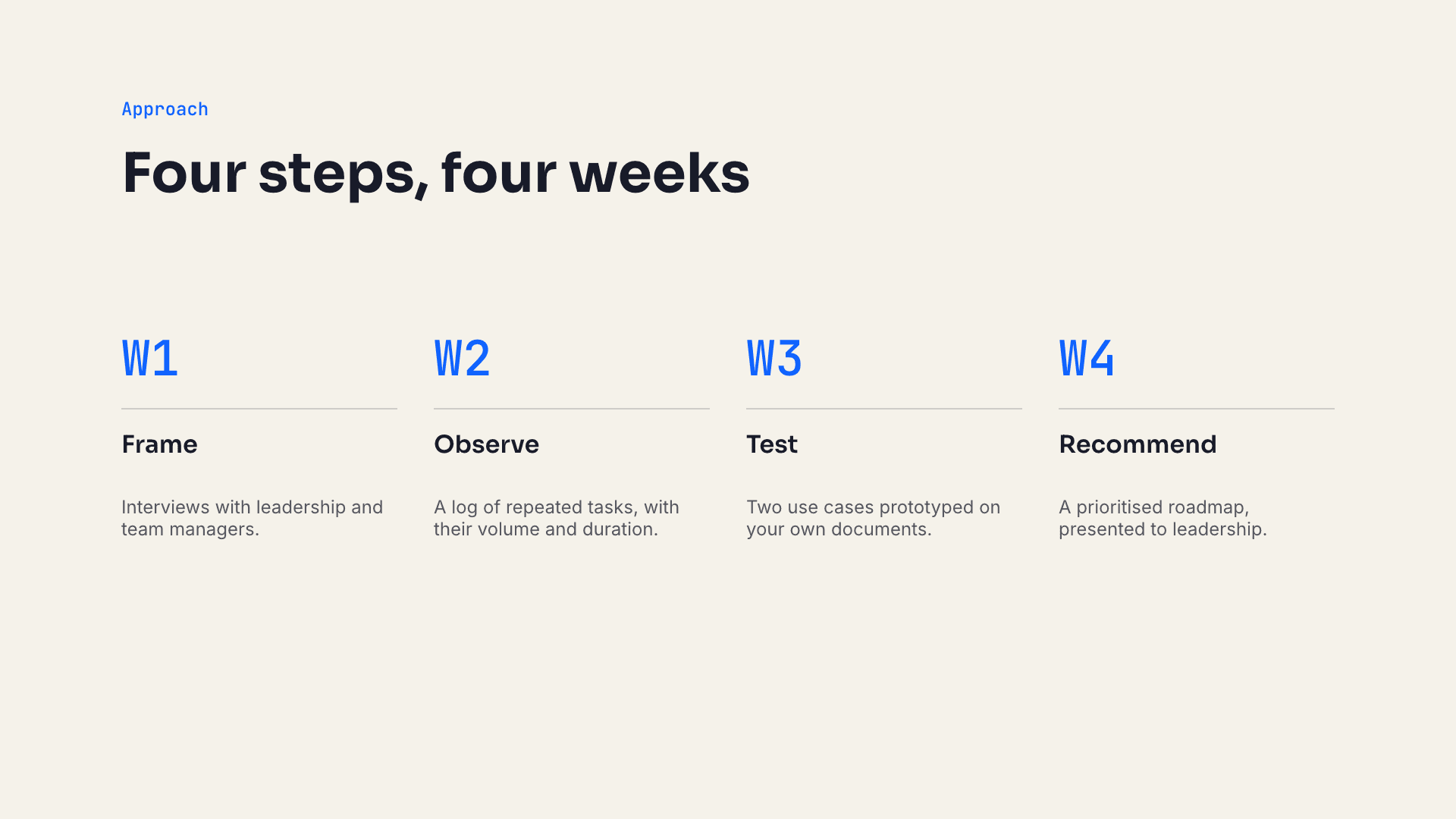
These are the 8 slides of the English deck, as deck render produced them.

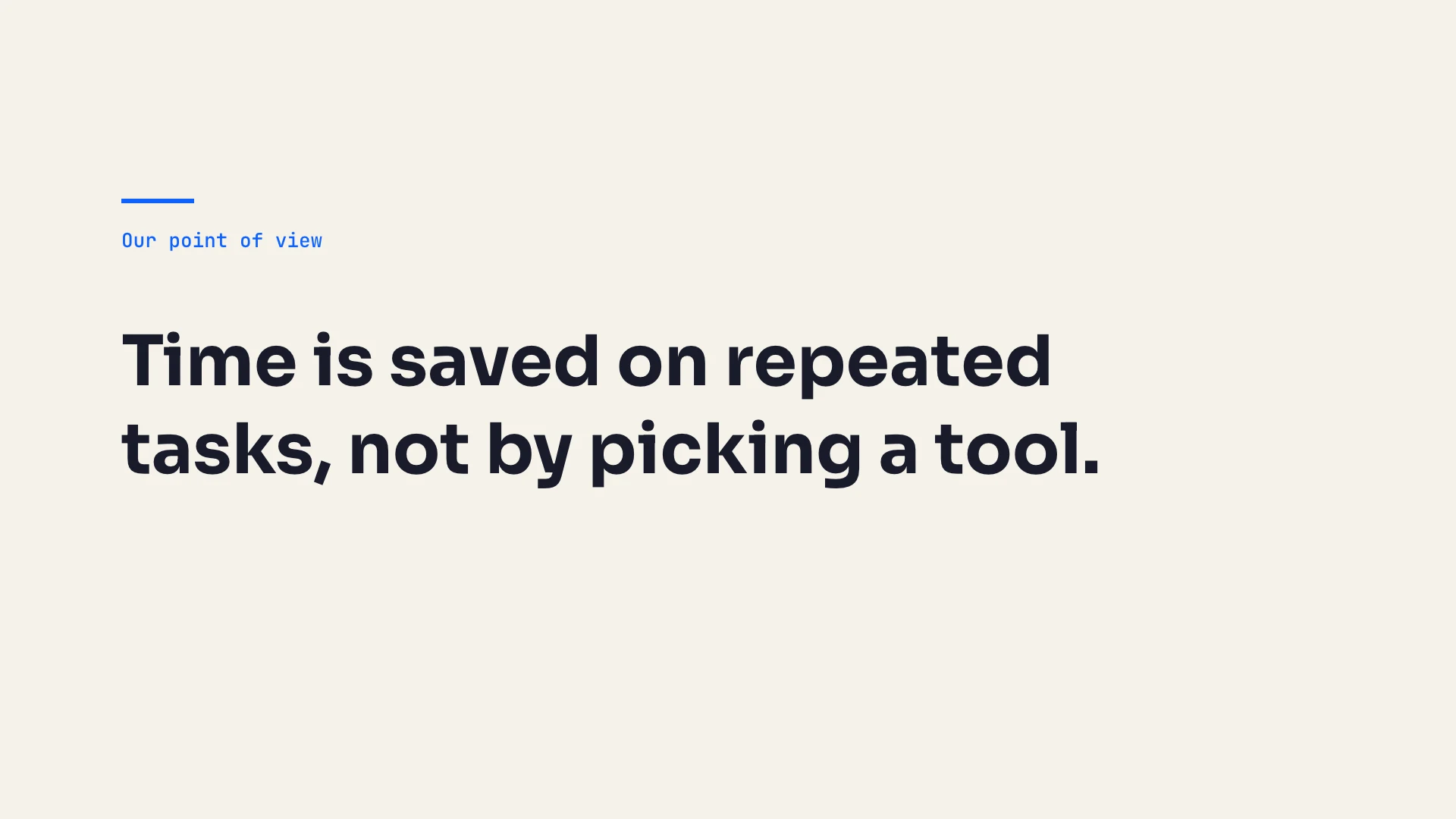
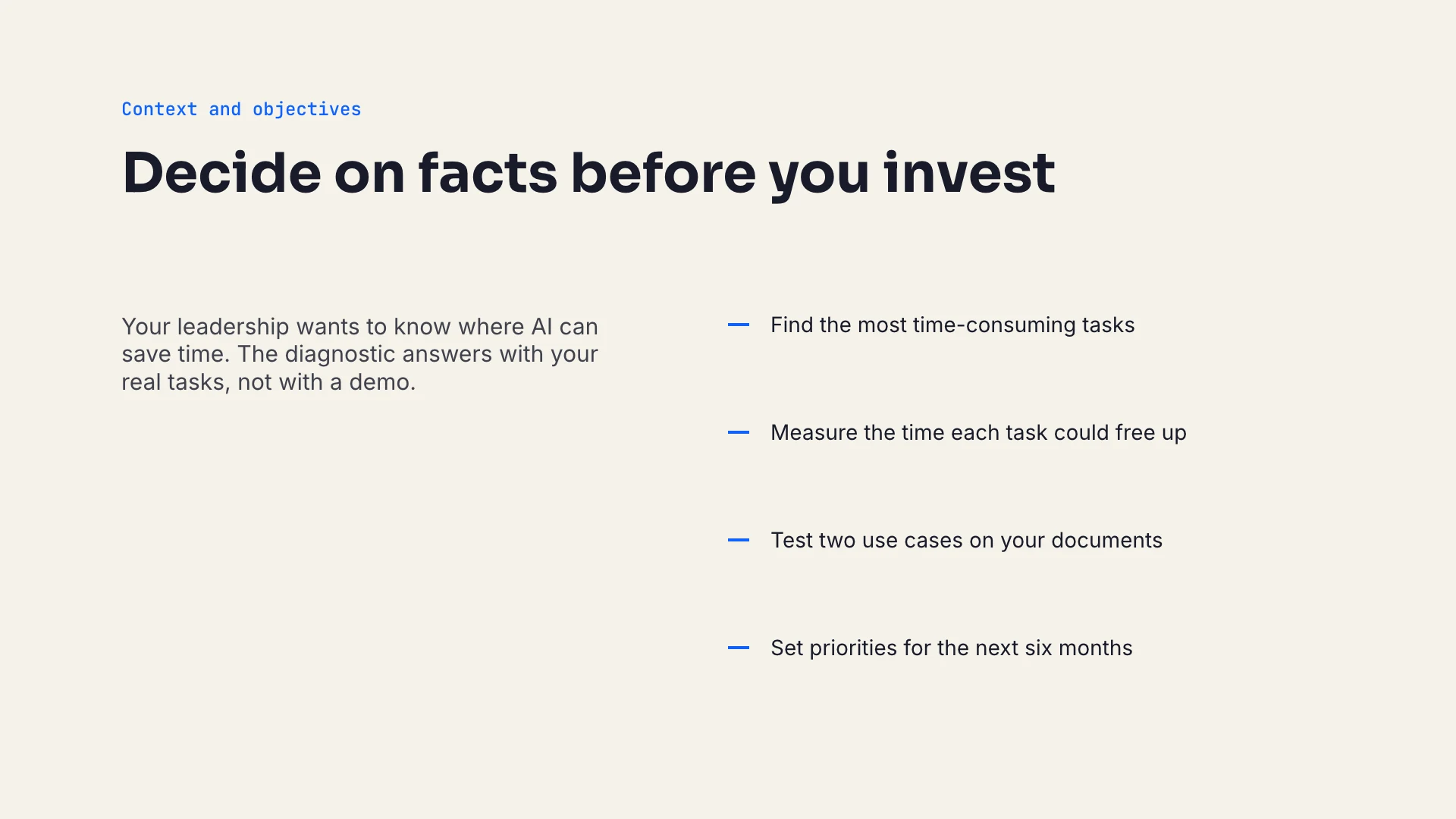
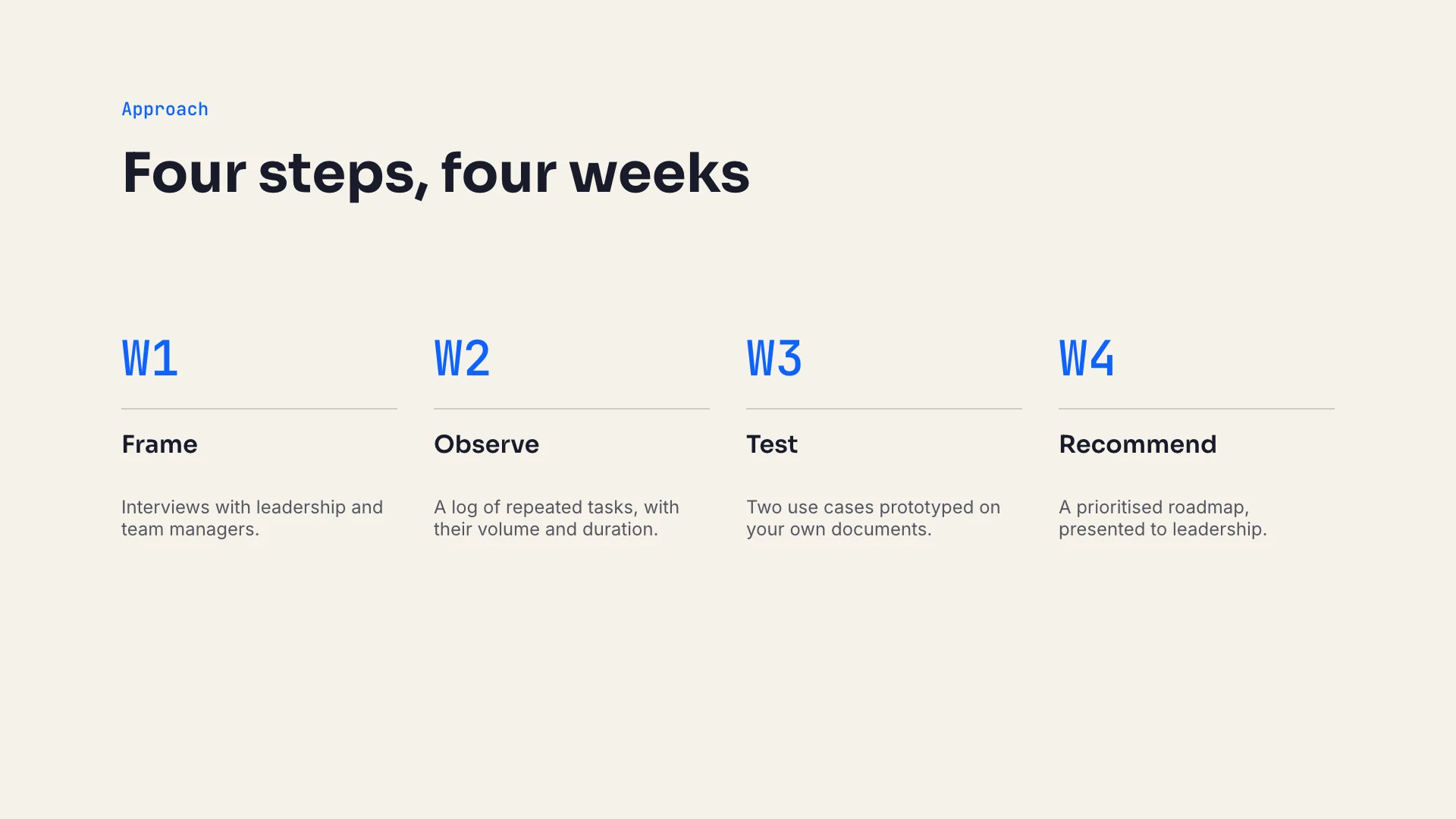
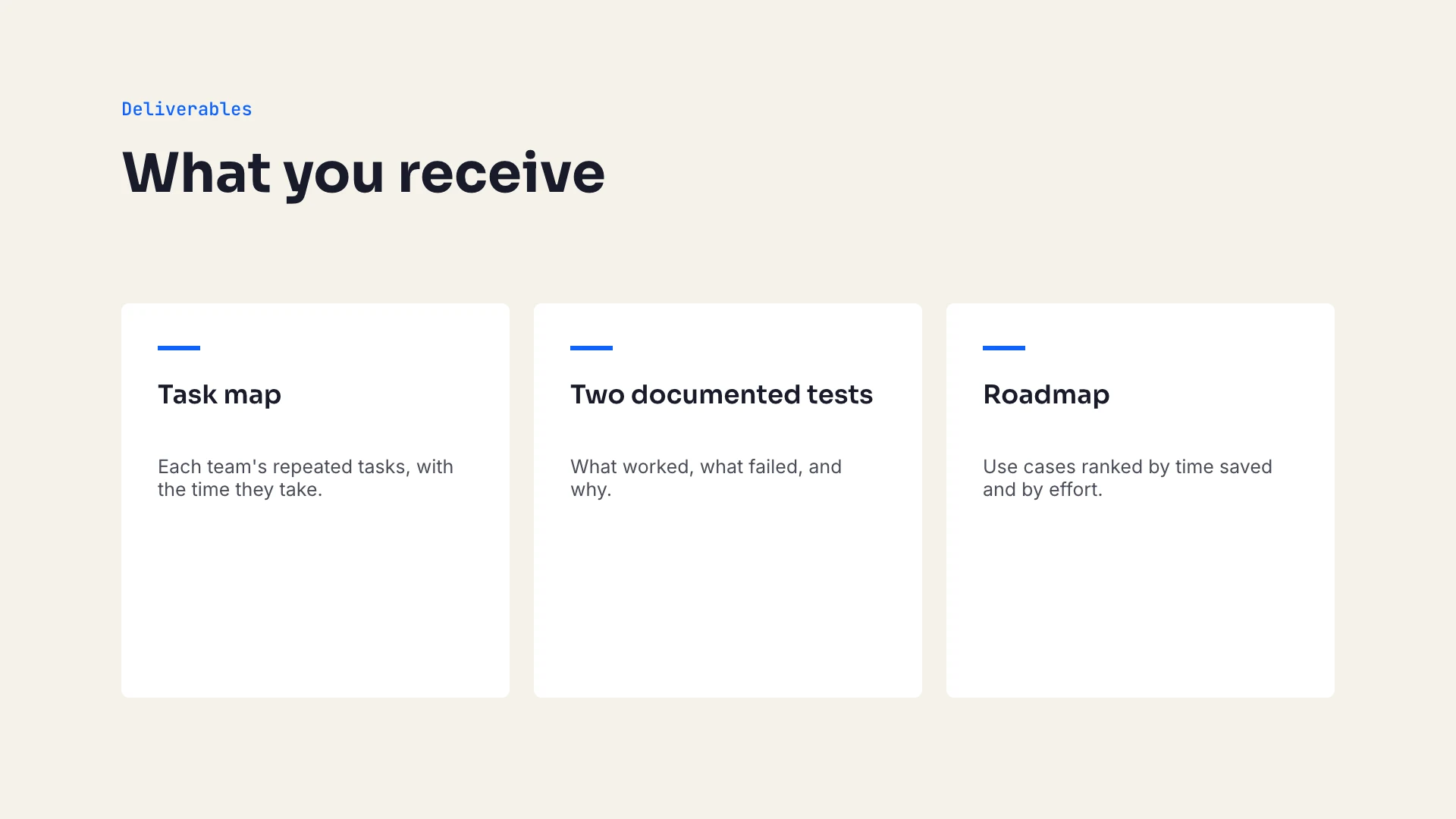
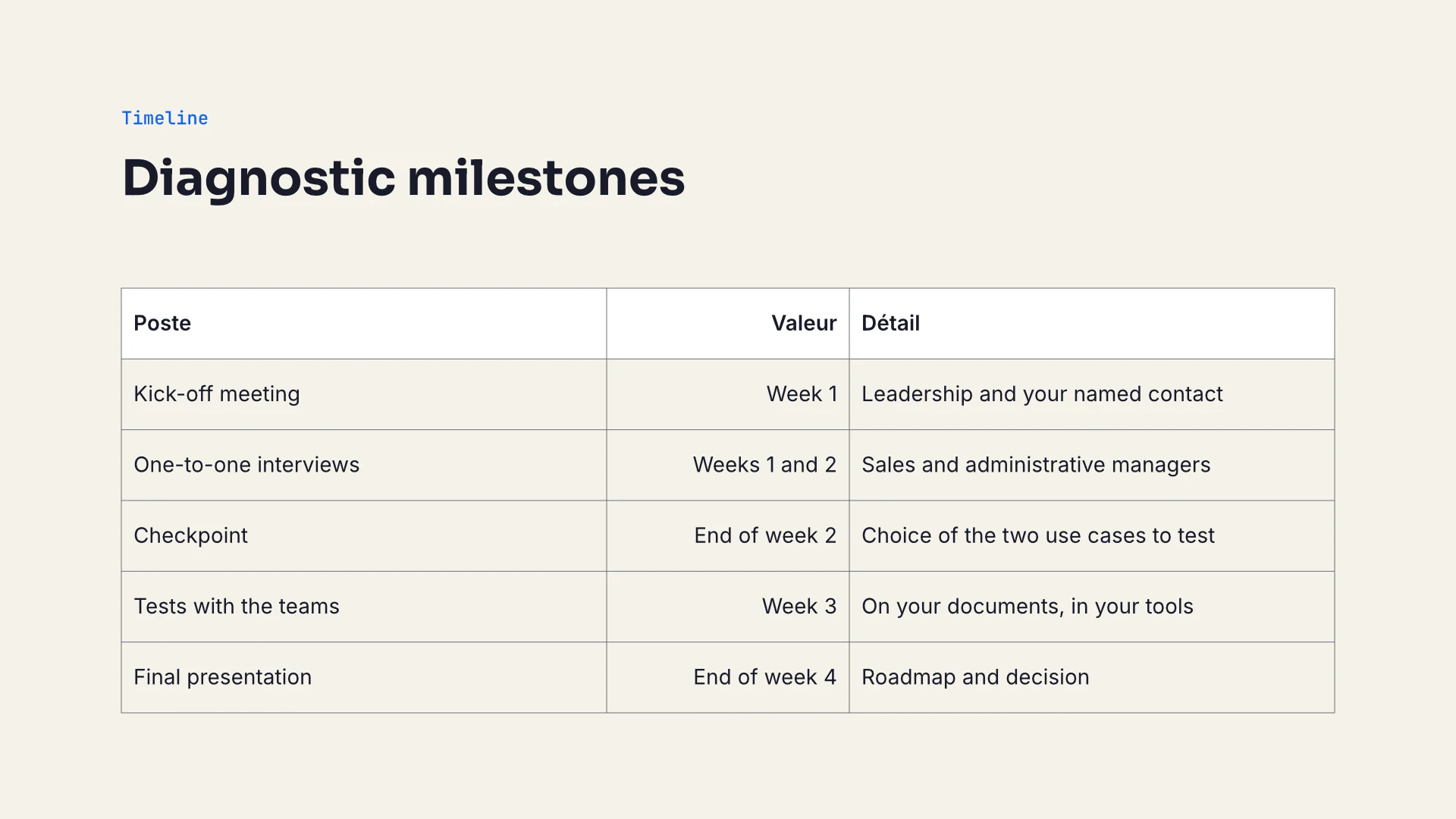
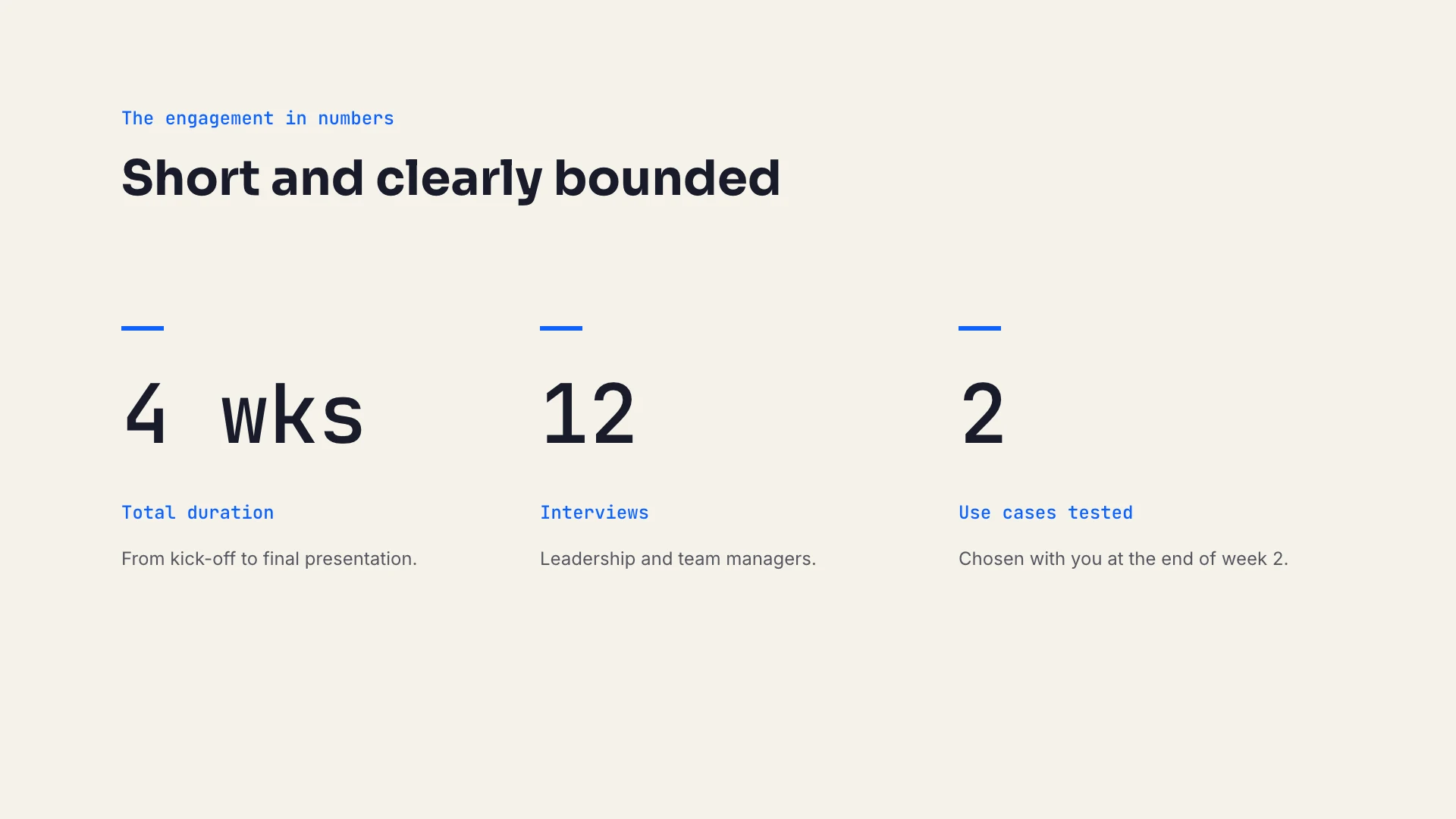
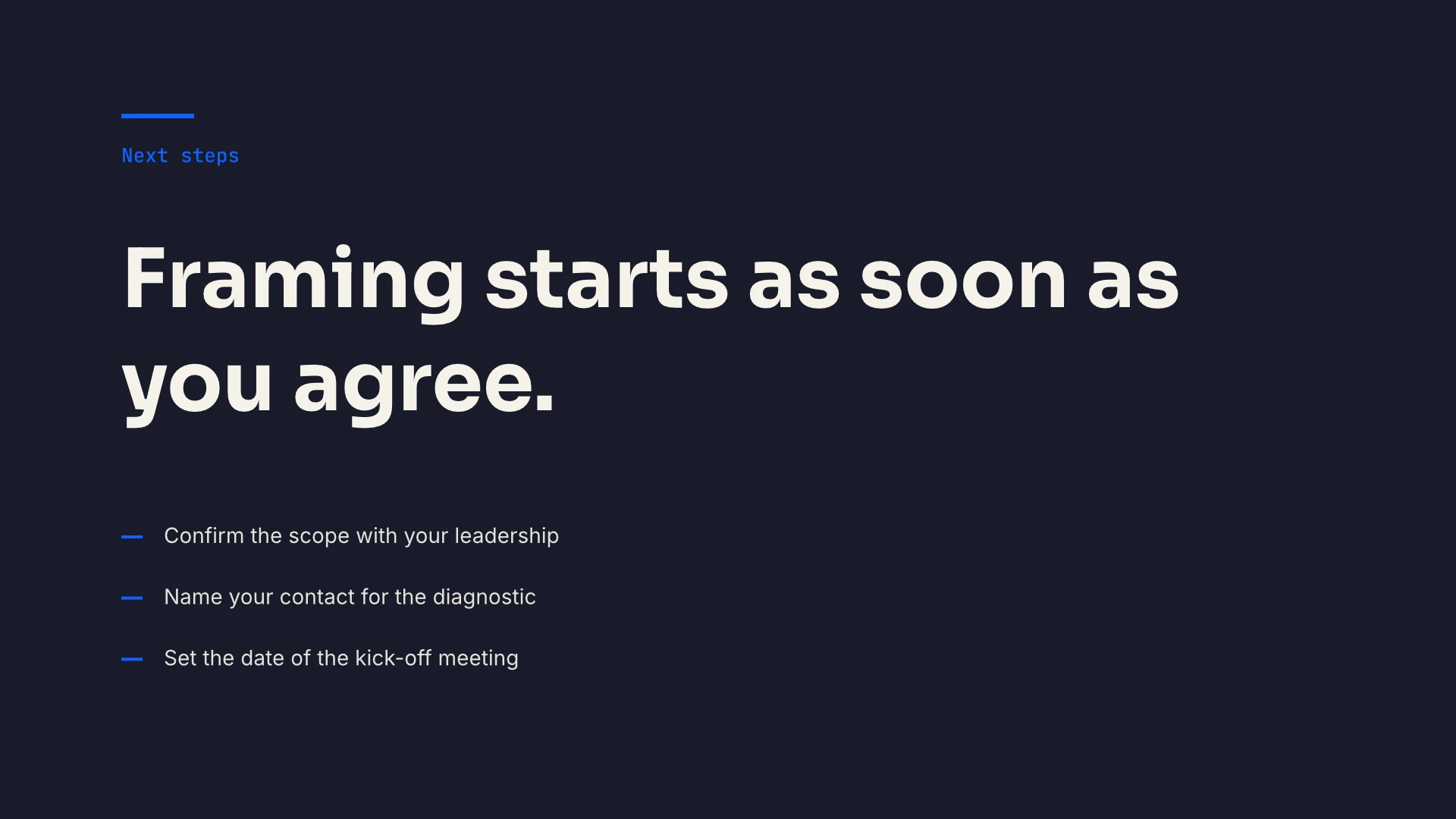
Download the English deck (.deck, 13 KB). It opens in Decktype on the free plan. Every piece of text stays in its template slot, so you can edit it in the app or hand it back to an agent for another pass.
What the CLI reported
Before regeneration, validation finds no errors. On every slide it only notes that the elements are not materialized yet, which is the next step:
{
  "file": "proposition-diagnostic-ia.deck",
  "valid": true,
  "errors": 0,
  "warnings": 8,
  "diagnostics": [
    {
      "file": "deck.json",
      "path": "/slides/0/elements",
      "severity": "warning",
      "message": "materialized elements diverge from the template binding (slot, override or template changed without rematerialization); run `deck regenerate`"
    }
  ]
}
The editorial lint, run at this point as the skill prescribes, says OK. It checks boxes, not rendered text, so a line too long for its box gets past it.
proposition-diagnostic-ia.deck: OK
After deck regenerate, the visual lint measures the materialized text and finds one overflow on slide 8:
{
  "rule": "text_overflow",
  "axis": "vertical",
  "available": 330.0,
  "required": 379.109375,
  "overflow": 49.109375
}
What needed fixing
Reviewing the 8 French renders turned up three defects. Each was fixed by changing a slot value, without touching the layout:
- Slide 8: the closing message ran to three lines and covered the next steps. This is the overflow the visual lint reported. The message was shortened.
- Slide 1: the subtitle wrapped onto a second line, while the template is designed for one. No tool flagged it. The subtitle was rewritten to fit.
- Slide 5: the first card label ("Cartographie des tâches", task mapping) wrapped onto two lines and touched its detail text. It became "Carte des tâches" (task map).
Two of the three defects triggered no warning at all: only the render showed them. That is why the review step exists.
One issue was left as it was. The table headers on slide 6 ("Poste", "Valeur", "Détail") are fixed by the tableau template. They read fine in French but stay in French in the English version. The only workaround inside the file would have frozen the table content and stopped it from being edited through its slots, so the agent left it for human review.
The English version
The English version took 34 s: copy the deck, rewrite the slot values, regenerate, validate, render and review. The layout did not move, the visual lint found nothing, and only the table headers stayed in French.
The French deck is also available: download the French deck (.deck, 13 KB), or read this case study in French.
What this test does not prove
- One run. One agent, one model, one machine: another brief, another agent or another day will give different times.
- A short, pre-approved brief. Working through the substance with a client, often longer than production itself, is not part of it.
- An agent that knew the brief. It had the brief before the clock started, because the brief was part of the test instructions. It was, however, seeing the skill and the templates for the first time.
- No human review. A consultant will still check the substance and probably adjust some wording in the app.
- An unopened PowerPoint file. The
.pptxwas not opened in PowerPoint or Keynote; only its structure was checked..pptxexport is part of the Pro plan. - Renders on a software GPU. Render time on a Mac with its own GPU was not measured.
Run the test yourself
- Download Decktype, open the app, then run Connect an agent following the guide. The app installs the
deckCLI and the skill. - The CLI lives in
~/Library/Application Support/Decktype/bin/and is not on yourPATH. In the agent's terminal:export PATH="$HOME/Library/Application Support/Decktype/bin:$PATH". - Give your agent the brief above, note the start time, and let it follow its loop:
deck validate,deck regenerate,deck render, then a review of every slide. - Compare your deck with the one in this article. To learn each command one at a time, read Getting started with the deck CLI.
The timestamped log
The raw log, as written during the run:
2026-09-24T11:43:45Z  start      chrono start: read SKILL.md (deck 1.3.0) and brief
2026-09-24T11:43:52Z  outline    capabilities, templates list/show, plan of 8 slides
2026-09-24T11:44:37Z  compose    deck new, slot bindings for 8 slides, zip
2026-09-24T11:44:55Z  check      validate, lint, regenerate, lint --visual, render (loop 1)
2026-09-24T11:45:09Z  review     look at each PNG (loop 1)
2026-09-24T11:45:56Z  check      patch 3 slots, regenerate, validate, lint, lint --visual, render (loop 2)
2026-09-24T11:45:58Z  review     look at changed PNGs 1, 5, 8 (loop 2)
2026-09-24T11:46:06Z  export     deck export to .pptx, check zip structure
2026-09-24T11:46:36Z  translate  copy deck, rewrite slot values in English, regenerate, validate, render, review
2026-09-24T11:47:10Z  end        chrono stop: FR deck exported, EN deck rendered and reviewed