DownloadDecktype 1.4.0.
The app is free to create, refine and present. Built for Apple silicon Macs, signed by KAIRIA and notarized by Apple.
Decktype_1.4.0_aarch64.dmg · Apple silicon Mac · macOS 11 or newer
 Decktype
Installed
in three steps.
One .dmg file, one drag and drop. The app handles updates from there.
Drag into Applications
Open the downloaded .dmg file, then drag Decktype into your Applications folder.
Launch Decktype
Launch the app from the Applications folder.
Stay up to date
Later updates install from within the app, without returning to this page.
Signed, notarized,
verifiable.
Gatekeeper checks each build’s origin and integrity before its first launch.
Requirements
No Windows version yet.
Distribution
- Certificate
- Developer ID Application · KAIRIA
- Team ID
- 65XLRQ2U8B
- Notarization
- Apple · verified by Gatekeeper
- Channel
- releases.decktype.com
- Updates
- Sparkle, inside the app
New
in 1.4.0.
Released October 15, 2026.
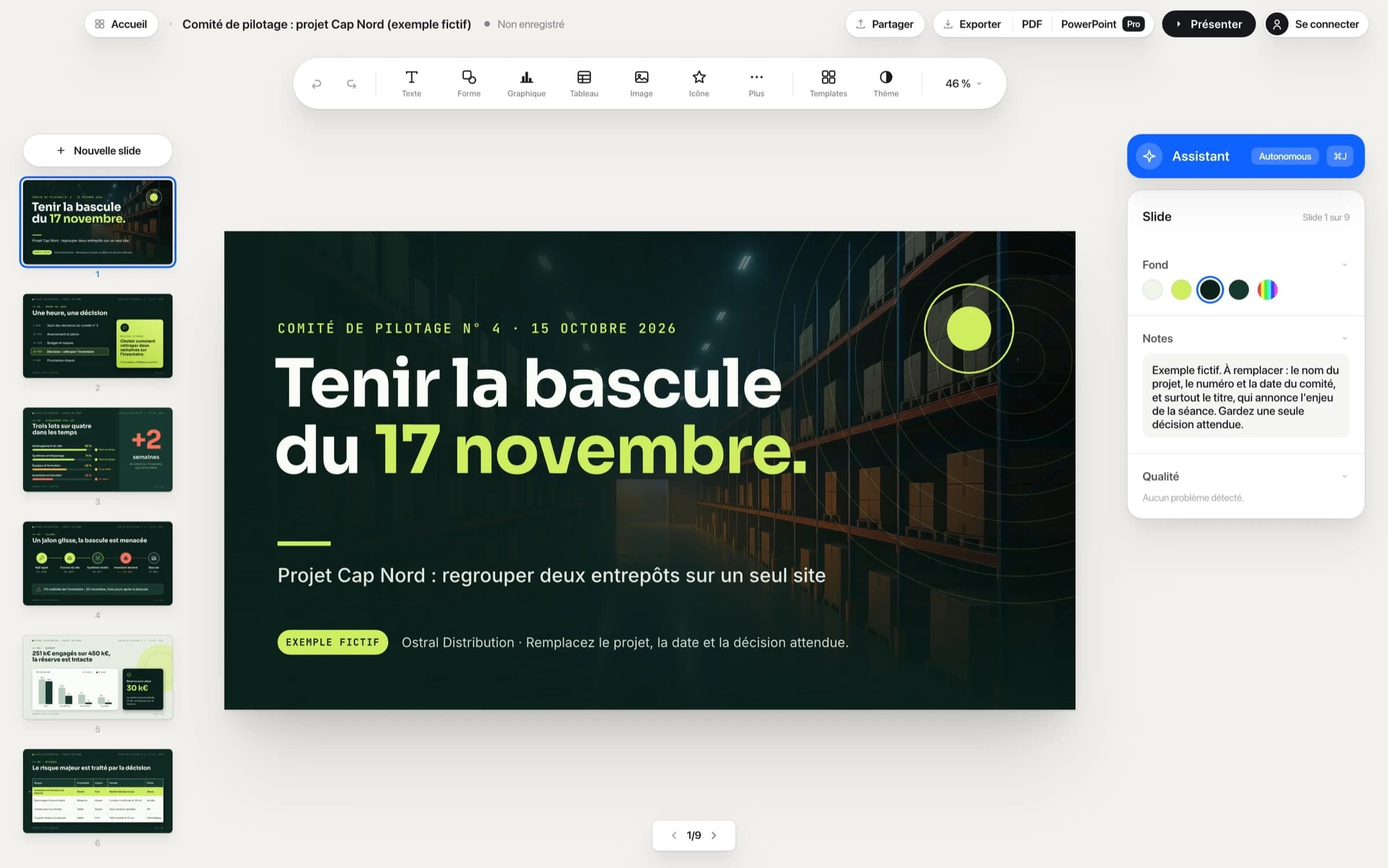
- Edit images in placeCrop, round corners, mask in a circle or replace an image while keeping its frame.
- Find and replaceAcross the whole presentation, including speaker notes.
- HyperlinksClickable in presentation mode and PDF exports; in PowerPoint exports with Pro or Autonomous.
- An assistant that works in your presentationWith Autonomous: one Cmd+Z undoes the entire request.
On your
phone?
Decktype installs on a Mac. Send yourself the link, then open it on your Mac.
Web editor
Your free account stores your decks in the Cloud and lets you edit them in the web editor. Pro and Autonomous add link sharing, editing with your team, version history and comments.
Open the web editorBefore sharing sensitive material
The editor works locally. If you use an external agent to generate content, review that provider’s rules and your organization’s policy separately.
Read the Security page