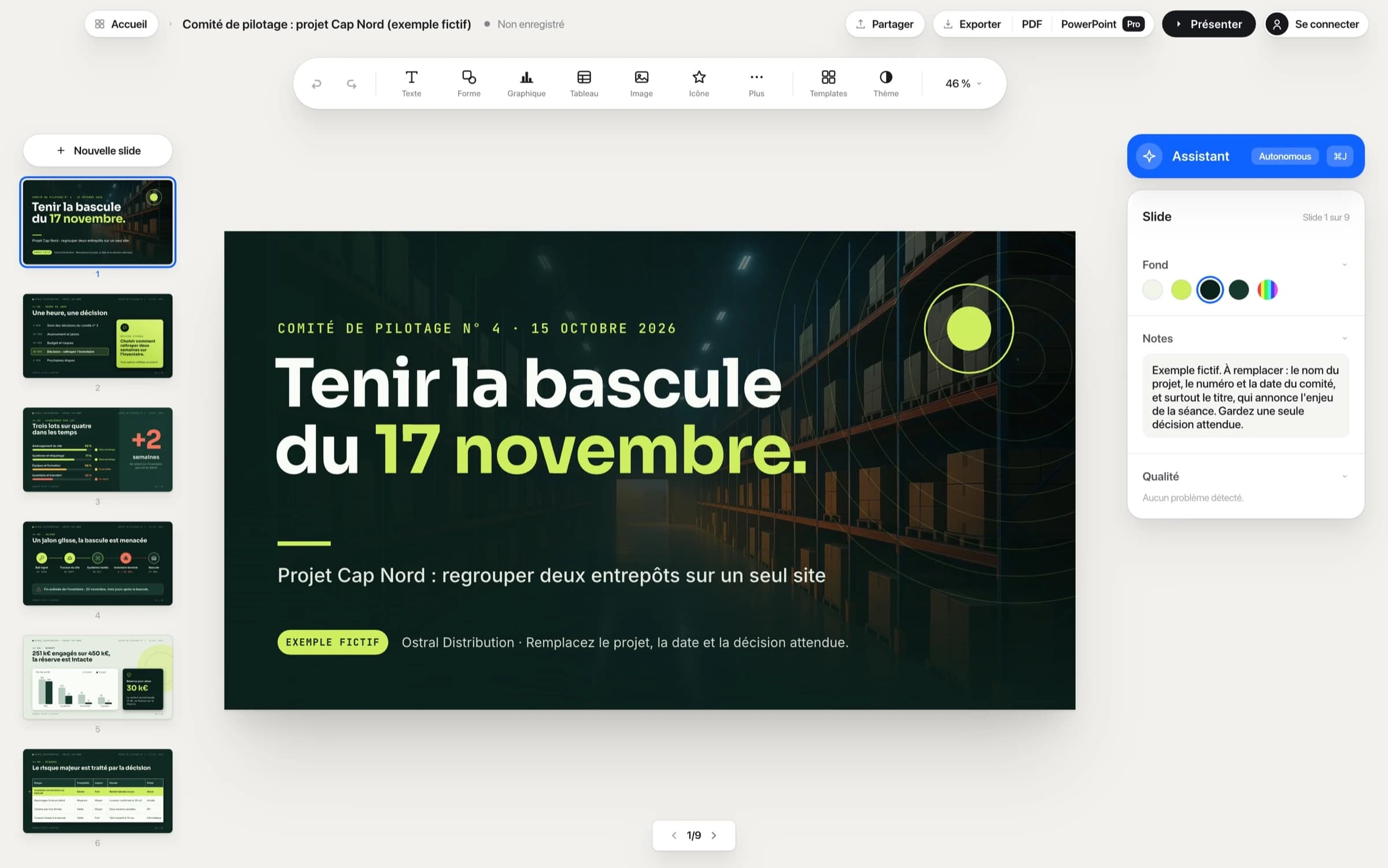
Can Claude Code make my presentations?
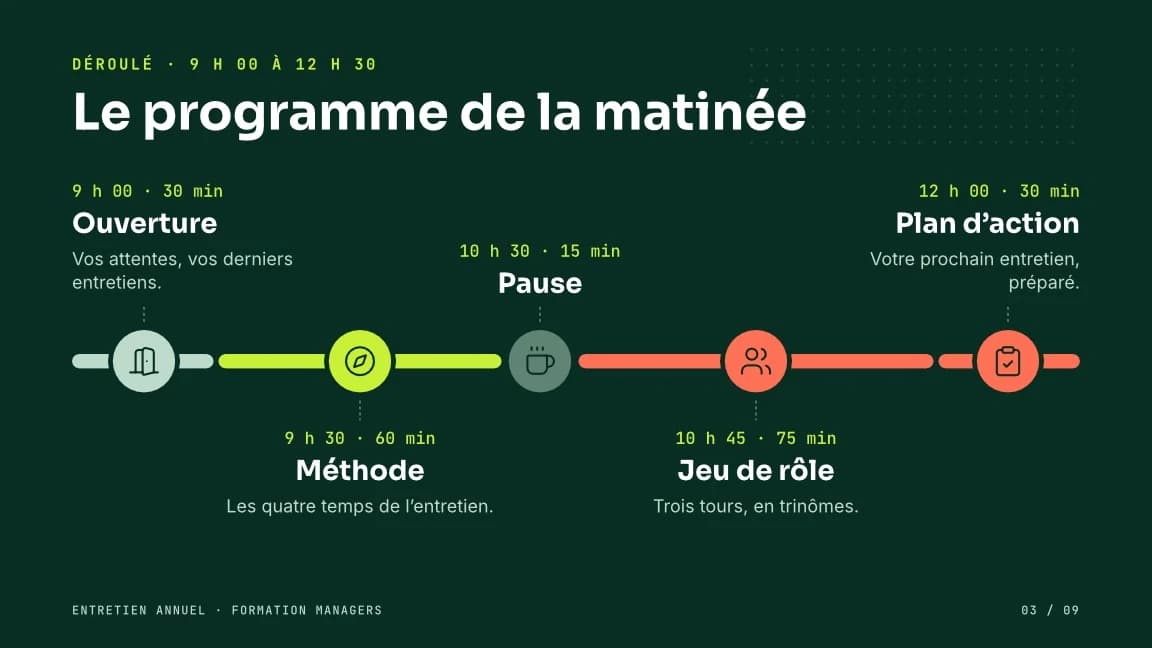
Yes. In Decktype, Connect an Agent installs the deck CLI and the Decktype skill for Claude Code. It builds your decks in your templates, picks up an existing PowerPoint file, updates figures from a CSV and delivers the file as a PDF, or as PowerPoint with Pro or Autonomous. Claude Code works on every plan, including free.
Can Codex make my presentations?
Yes, just like Claude Code: Decktype installs the same deck CLI and skill in ~/.codex/skills/decktype. Codex creates and edits your decks on every plan, including free.
Does Decktype work with Cursor?
Not today. Connect an Agent installs the deck CLI and skill for Claude Code and Codex only. Decktype does not support Cursor and has not tested it.
How is it different from Claude Slides?
Decktype is a presentation editor, and your decks are .deck files on your drive. Your agent picks up an existing PowerPoint file, updates figures from a CSV and delivers the file itself, with no clicks from you. You refine any slide by hand, and the agent keeps your edits when it revises the deck. Decktype works with Claude Code and with Codex.
Is Decktype free?
Yes, to edit, present, import PowerPoint files and export PDF and PNG, and your agent works on the free plan. The free account also stores your decks in the Cloud and lets you edit them in the web editor. Pro, at €12 a month, adds PowerPoint export, link sharing, brand kits and images generated in the deck. Autonomous, at €29 a month, adds the built-in assistant.
Which model powers Autonomous?
Claude models from Anthropic. The Autonomous assistant, at €29 a month, sends them what you attach to a request through Decktype: no ChatGPT or Claude subscription needed. It is the option if you do not work with an agent.
Do I need an account?
Yes, a free account with no password: Decktype emails you a sign-in link at first launch. Connect once; after that, the editor works offline.
Where are my files?
On your drive, as .deck files. Content only leaves when you use a cloud feature or the Autonomous assistant: it sends what you attach to Anthropic through Decktype. Decktype does not retain the conversation after the response. Your own agent handles requests under its provider’s terms.
Can I deliver a PowerPoint file?
PDF and PNG export are included on every plan, as is PowerPoint import. PowerPoint export, compatible with Keynote, is included from Pro.
What about Windows?
Not yet. Decktype is available for Mac with Apple silicon.
Make presentations with Claude Code or Codex: steps and comparison
Use Decktype in Claude or ChatGPT: the connector guide