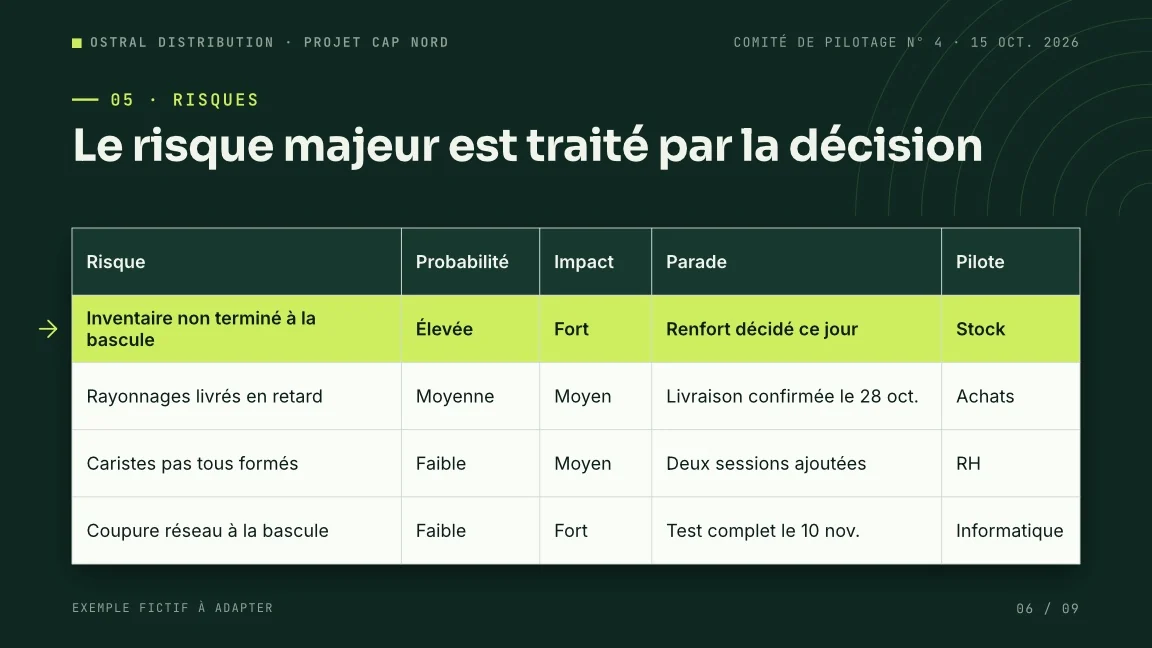
From a presentation
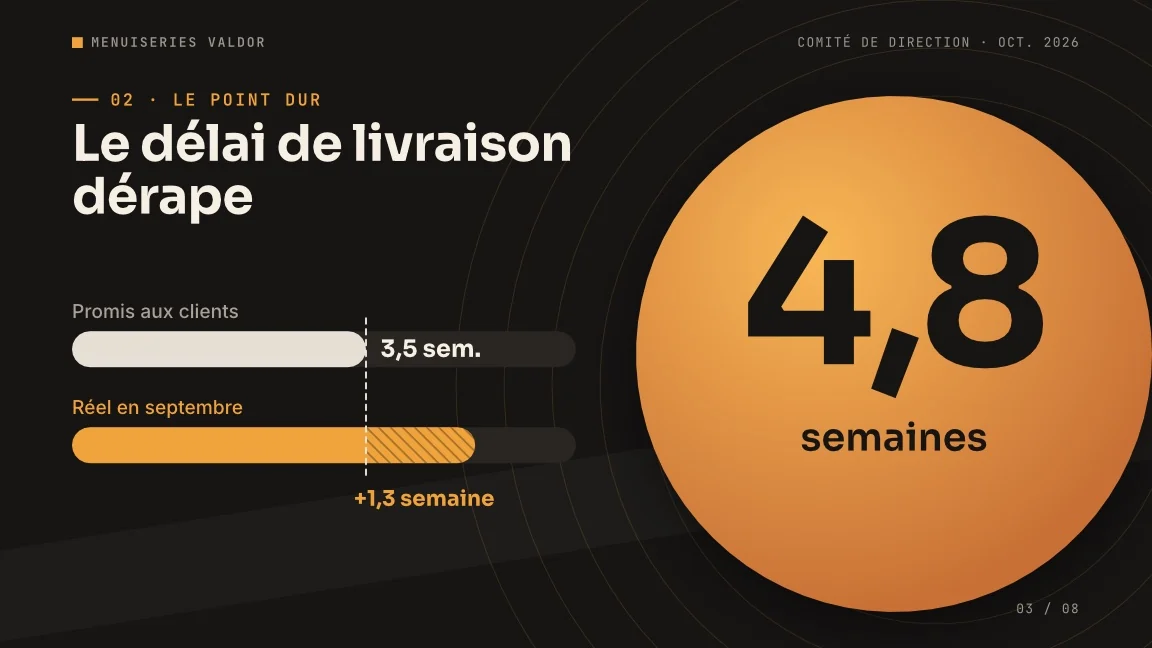
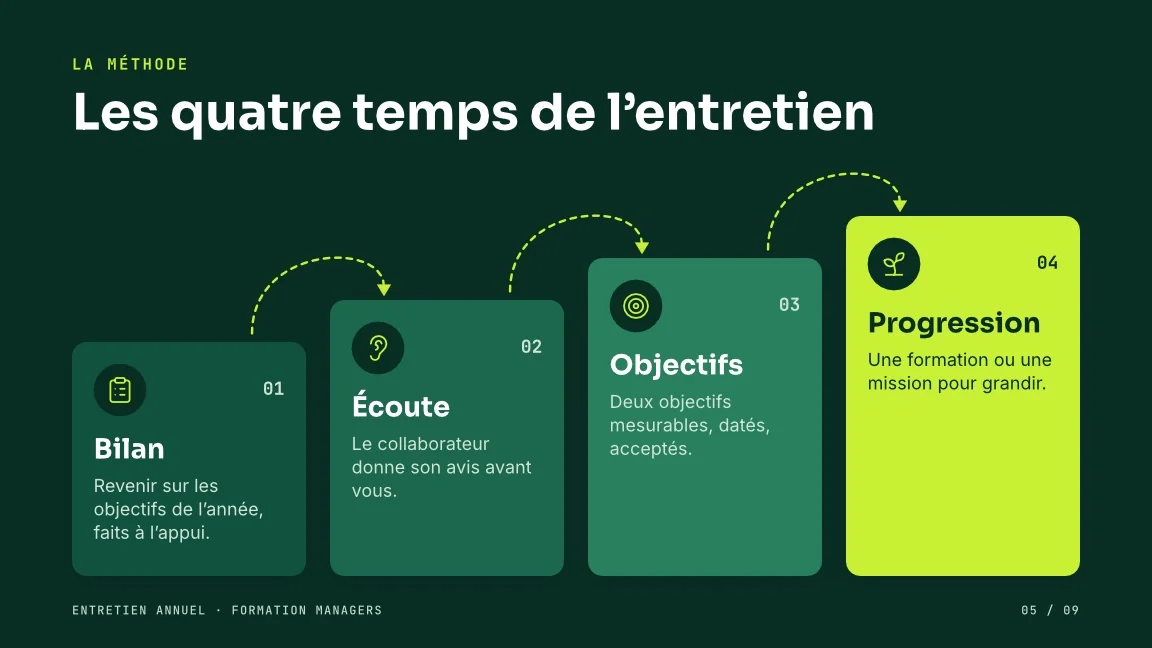
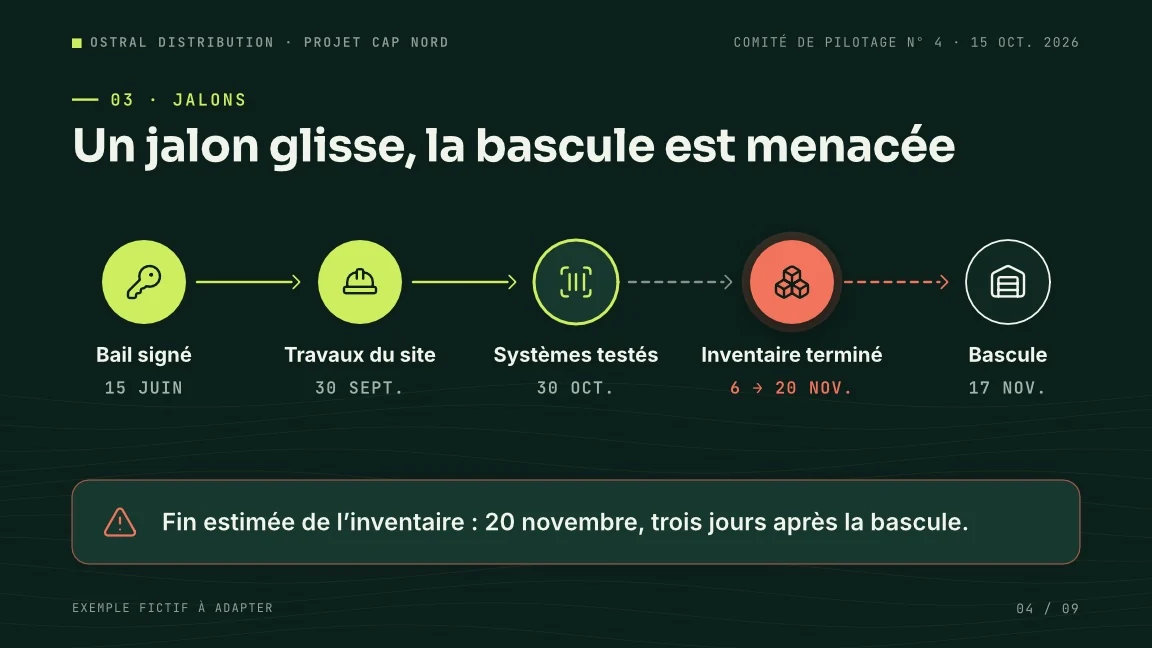
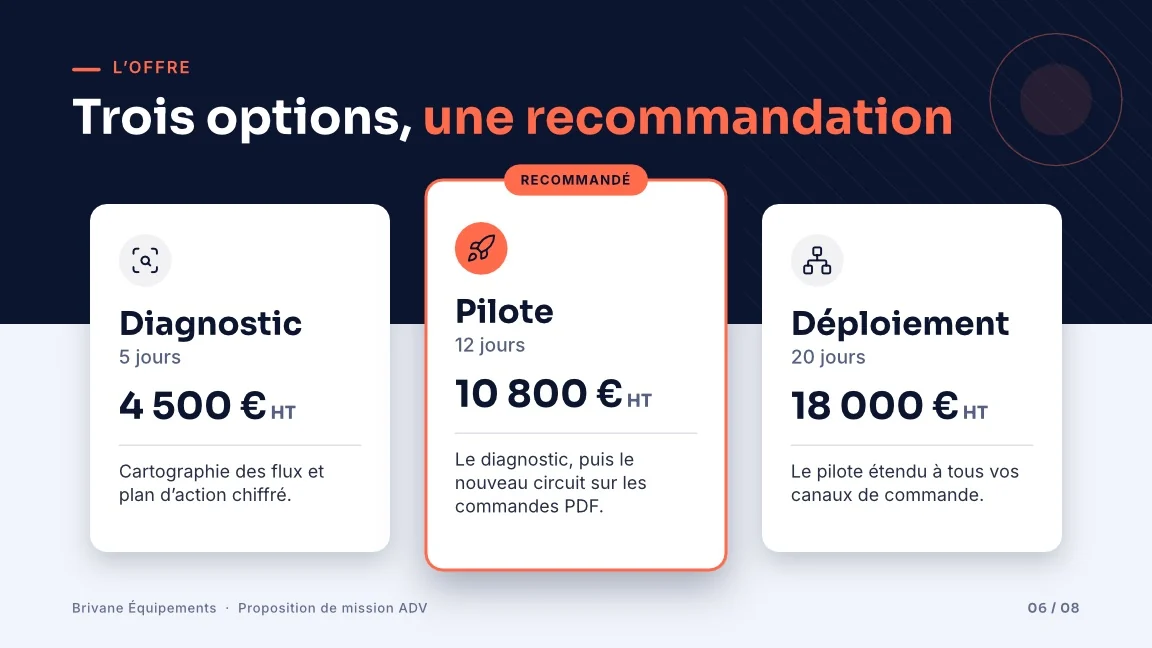
Build me a Decktype theme from this presentation, then an 8-slide deck from my notes.
Codex and Claude Code build agency-level presentations in your templates. Decktype installs what they need in three clicks, with no terminal.
Decktype ships everything needed. Your agent has to have run at least once on this machine for Decktype to see it.
Nothing else to install: no Node.js, no Rust, no administrator rights.
The entry sits in the Decktype menu, next to Account and Subscription.
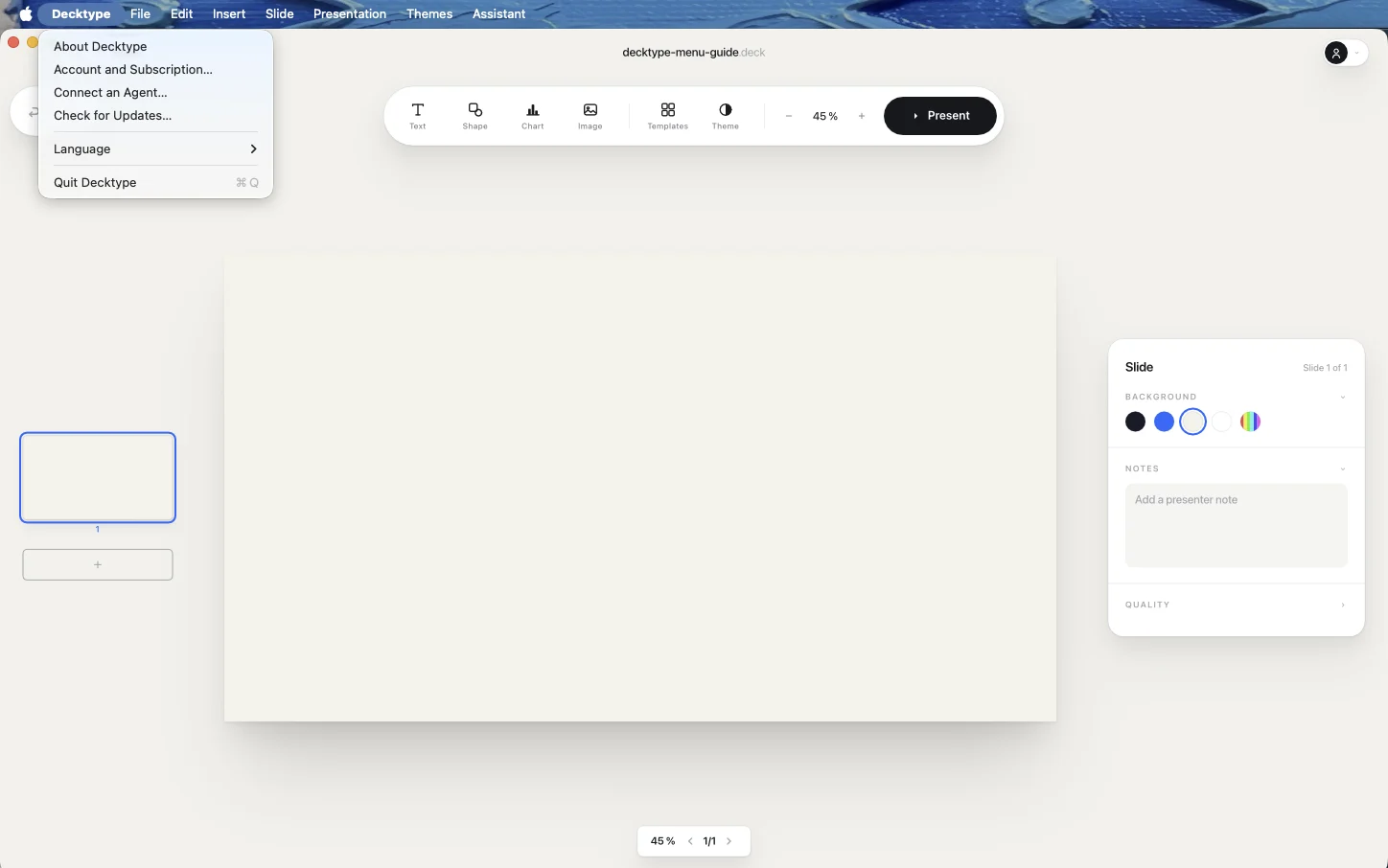
Decktype reports the state of each agent: detected, already connected, or update available. Before writing anything, it lists the locations it will create.
A decktype folder Decktype did not write is never replaced.
The skill will be installed in ~/.codex/skills/decktype
The skill will be installed in ~/.claude/skills/decktype
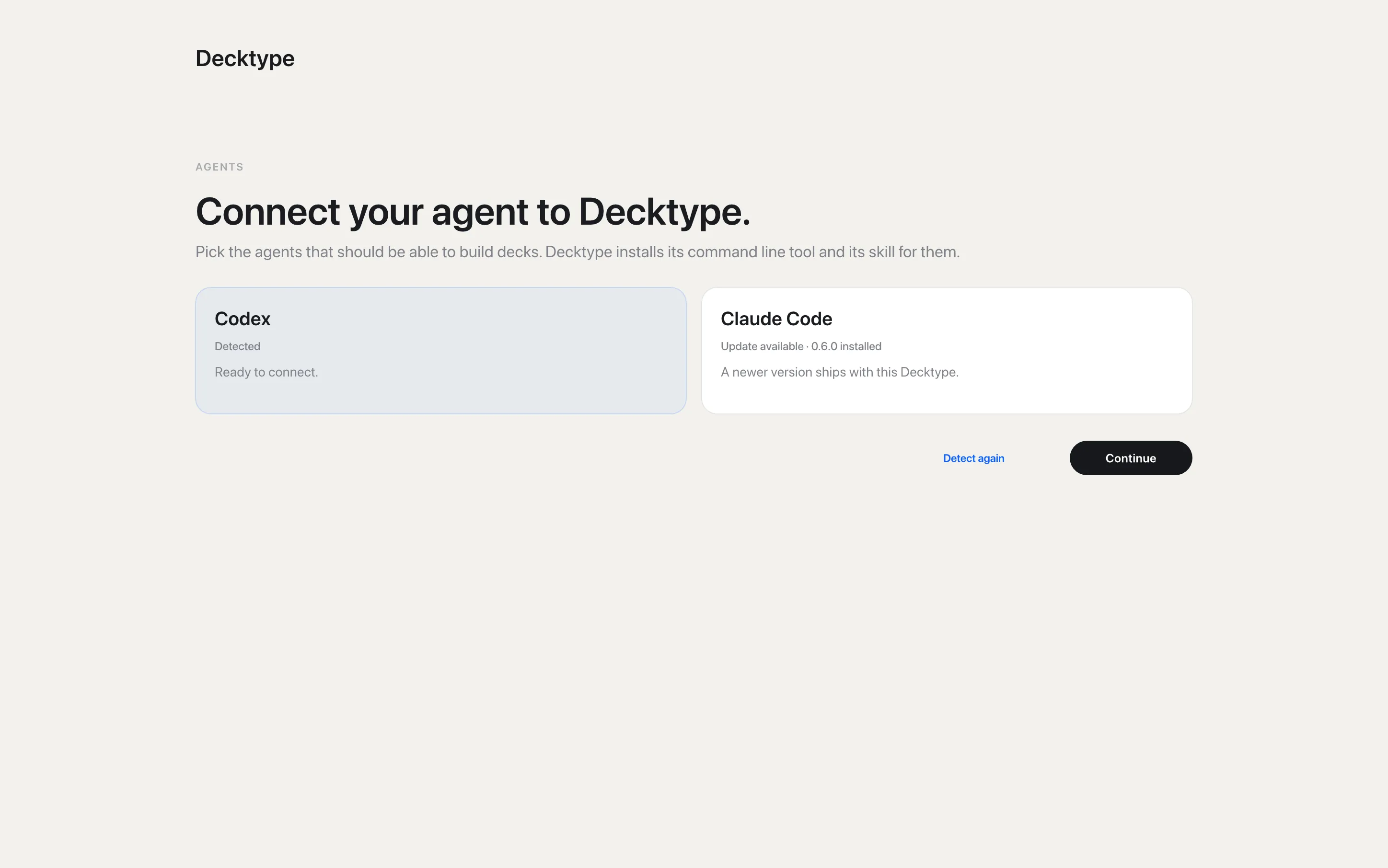

A session that is already open will not see the installation. Close it and open a fresh one.
Open a fresh terminal and start Codex.
Open a fresh terminal and start Claude Code.
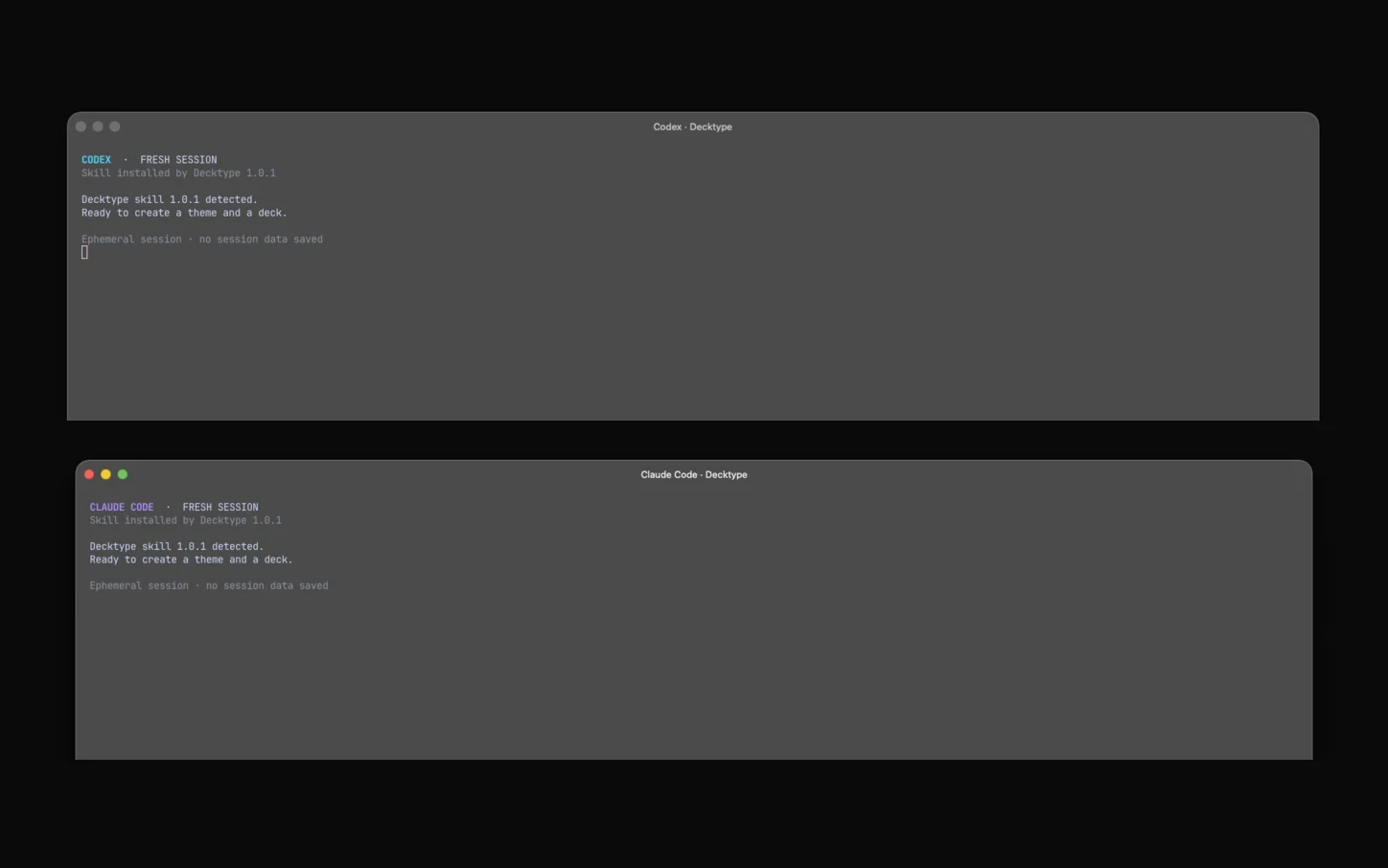
Your agent turns it into your theme and your templates, then builds your presentations on top of them.

Start a fresh session in your agent, then share a reference presentation or a website address.
Build me a Decktype theme from this presentation, then an 8-slide deck from my notes.
Build me a Decktype theme from my website, then an 8-slide deck from my notes.
The decktype-agent plugin is available for Claude Code and Codex.
github.com/Tontoon7/decktype-agent
Yes. In Decktype, Connect an Agent installs the deck CLI and the Decktype skill for Claude Code. It builds your decks in your templates, picks up an existing PowerPoint file, updates figures from a CSV and delivers the file as a PDF, or as PowerPoint with Pro or Autonomous. Claude Code works on every plan, including free.
Yes, just like Claude Code: Decktype installs the same deck CLI and skill in ~/.codex/skills/decktype. Codex creates and edits your decks on every plan, including free.
Not today. Connect an Agent installs the deck CLI and skill for Claude Code and Codex only. Decktype does not support Cursor and has not tested it.
Decktype is a presentation editor, and your decks are .deck files on your drive. Your agent picks up an existing PowerPoint file, updates figures from a CSV and delivers the file itself, with no clicks from you. You refine any slide by hand, and the agent keeps your edits when it revises the deck. Decktype works with Claude Code and with Codex.
Yes, to edit, present, import PowerPoint files and export PDF and PNG, and your agent works on the free plan. The free account also stores your decks in the Cloud and lets you edit them in the web editor. Pro, at €12 a month, adds PowerPoint export, link sharing, brand kits and images generated in the deck. Autonomous, at €29 a month, adds the built-in assistant.
Claude models from Anthropic. The Autonomous assistant, at €29 a month, sends them what you attach to a request through Decktype: no ChatGPT or Claude subscription needed. It is the option if you do not work with an agent.
On your drive, as .deck files. Content only leaves when you use a cloud feature or the Autonomous assistant: it sends what you attach to Anthropic through Decktype. Decktype does not retain the conversation after the response. Your own agent handles requests under its provider’s terms.
PDF and PNG export are included on every plan, as is PowerPoint import. PowerPoint export, compatible with Keynote, is included from Pro.
Not yet. Decktype is available for Mac with Apple silicon.
The full guide for Claude Code or Codex, and the tool comparison
Run it once, then come back to the window and click Detect again.
A decktype folder already exists there and Decktype did not write it. It will not replace it. Move it aside if you want Decktype to take over.
Open a fresh session: one started before the installation does not see it.