How the Human–AI Round-trip Works in Decktype
How Decktype keeps agent-filled slots and manual overrides distinct, including the limits of regeneration.
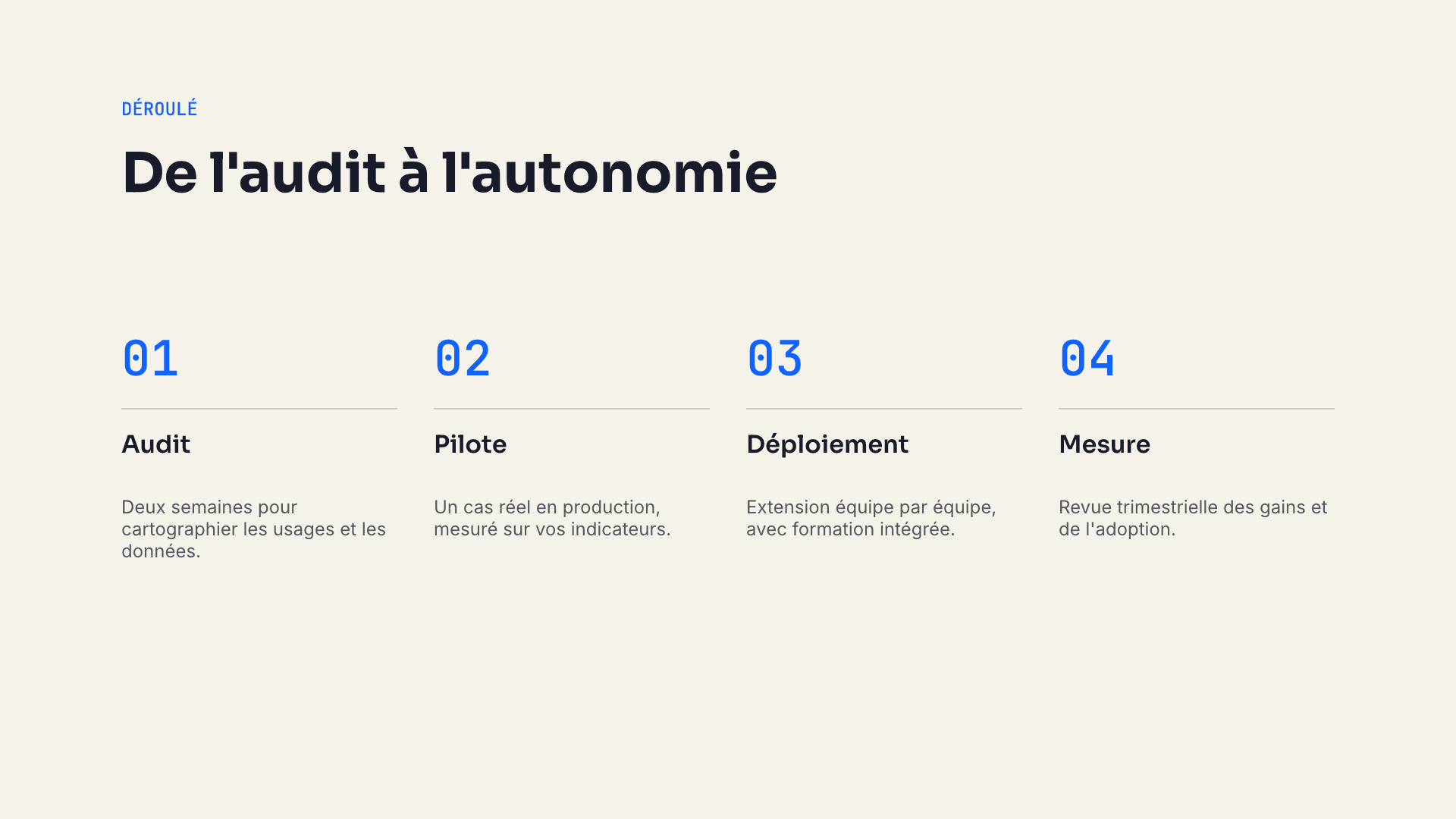
Decktype’s round-trip is designed to keep agent-filled content and manual edits distinct inside the same .deck file.
The Problem With Most AI Tools
Typical flow:
- Brief → AI generates the full deck.
- Want a change? Ask the AI again or redo manually.
Decktype solves this with two clear layers.
The Two Layers
- Slots layer (AI): The agent only fills defined slots (text, data, etc.).
- Overrides layer (Human): Your manual edits (moves, text changes, style) are recorded separately.
Technical Flow
- Agent populates
template.slots. - Decktype materializes the slide.
- You edit in the app → overrides saved with stable keys.
deck regenerate→ new materialization + re-apply of your overrides.
Overrides whose stable keys still exist are reapplied. If a regenerated template removes or renames a key, its former override becomes inactive instead of being applied to the wrong element.
Stable Keys & Reliability
Each templated element has a stable key. This gives Decktype a deterministic way to match an override to the intended element after regeneration.
Best Practices
- Edit only in the app for linked slides.
- Always regenerate after agent updates.
- Check the result with
deck render your-deck.deck --out preview/.
Real Examples
- If the title keeps the same stable key, you can shorten it and have that override reapplied after the agent updates other slots.
- If the card structure and keys remain compatible, manual card edits can be reapplied after regeneration.
- Supported chart properties can remain overridden while slot data changes; inspect the regenerated render before delivery.
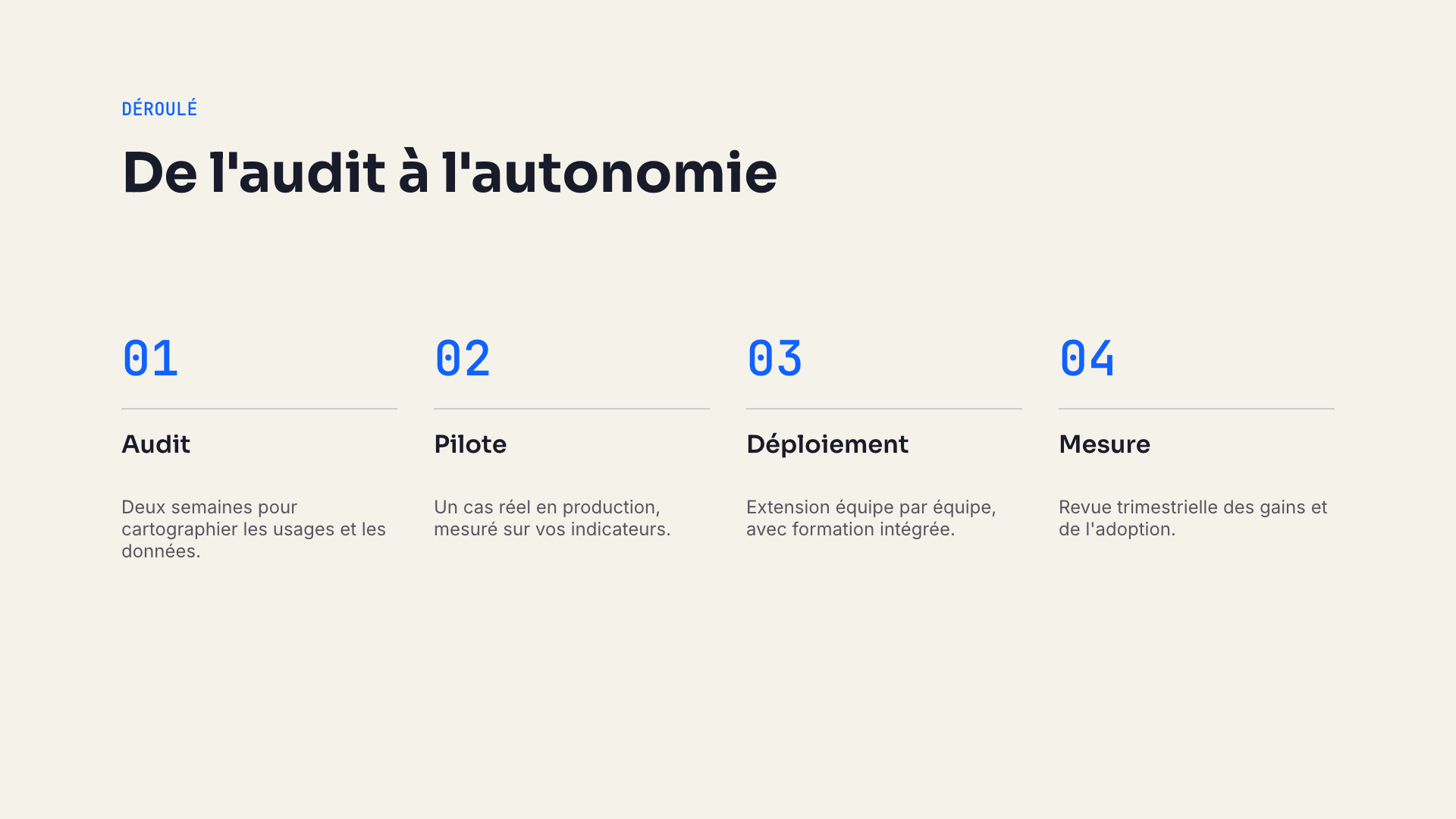
Real process slide render
Why It Matters
- A clear boundary between agent inputs and manual decisions.
- Repeatable iterations without rebuilding every slide from scratch.
- A reviewable local file and rendered preview before delivery.
- Your taste and judgment remain in control.
FAQ
Do overrides survive .pptx export?
Overrides live in the .deck. The export is a snapshot. Re-importing a .pptx starts as free slides.
What if the AI changes the template?
Overrides on keys that no longer exist are not reapplied. Inspect the result because the visual intent may still need a new manual edit.
How do I inspect overrides?deck inspect your-deck.deck --json or open deck.json inside the bundle.