Create and Master Decktype Templates: Complete Guide
Learn how to build powerful, reusable templates perfectly aligned with your brand in Decktype.
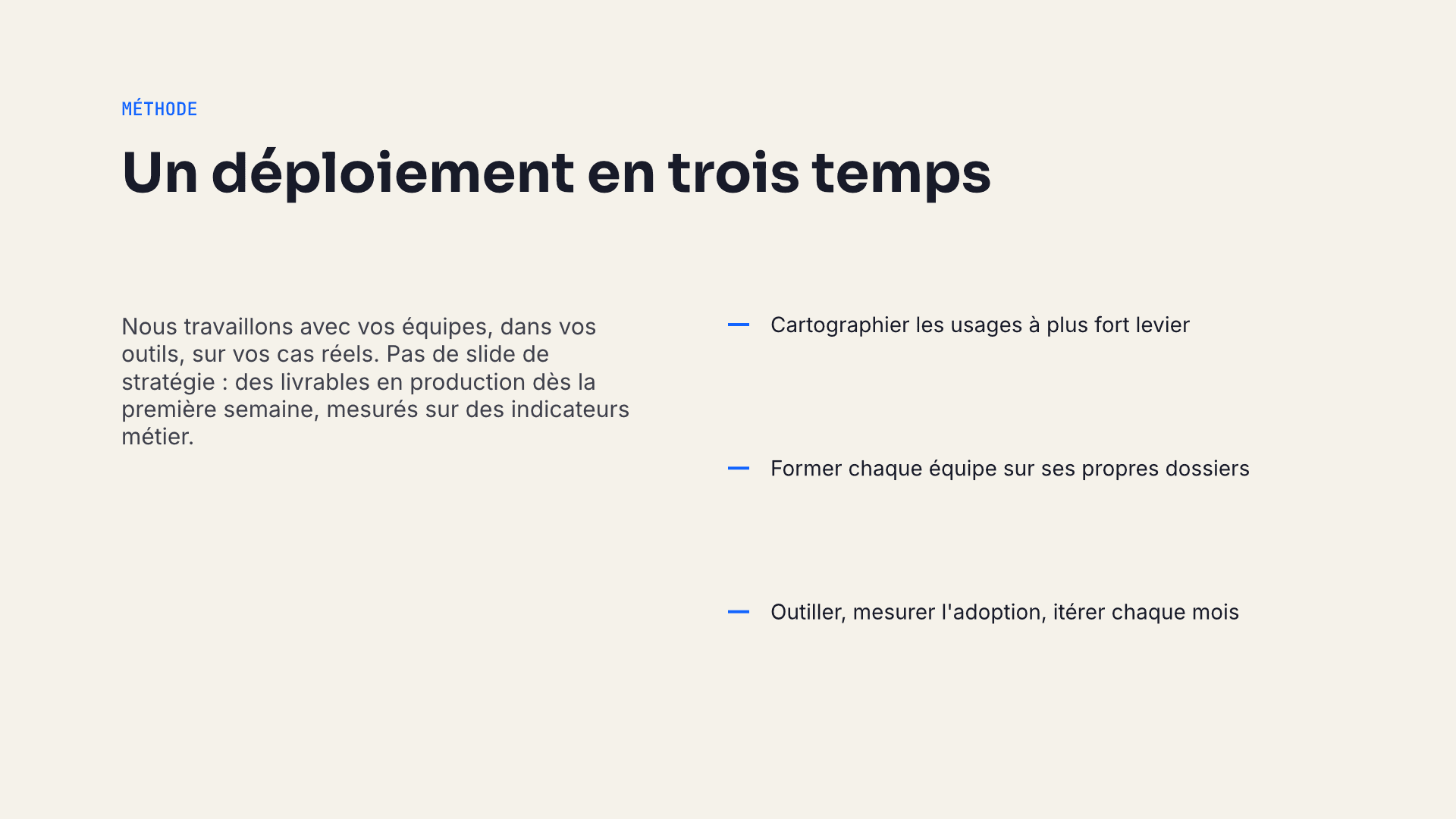
Templates are the heart of Decktype. They let the AI generate on-brand decks while giving you full control over layout and final quality.
Why Decktype Templates Are Different
A Decktype template is built for the real AI + human round-trip:
- AI only fills slots (text, data, images).
- You control everything else via overrides.
- Regeneration reapplies manual overrides whose stable keys still exist.
This is critical for consultants and teams producing decks at scale.
Anatomy of a Template
- Slots: the content areas the AI fills (title, cards, chart data, etc.).
- Elements: visual components bound to slots.
- Rules: layout and styling using theme tokens only.
Common slots: titre, cartes, donnees, citation, kpi, process.
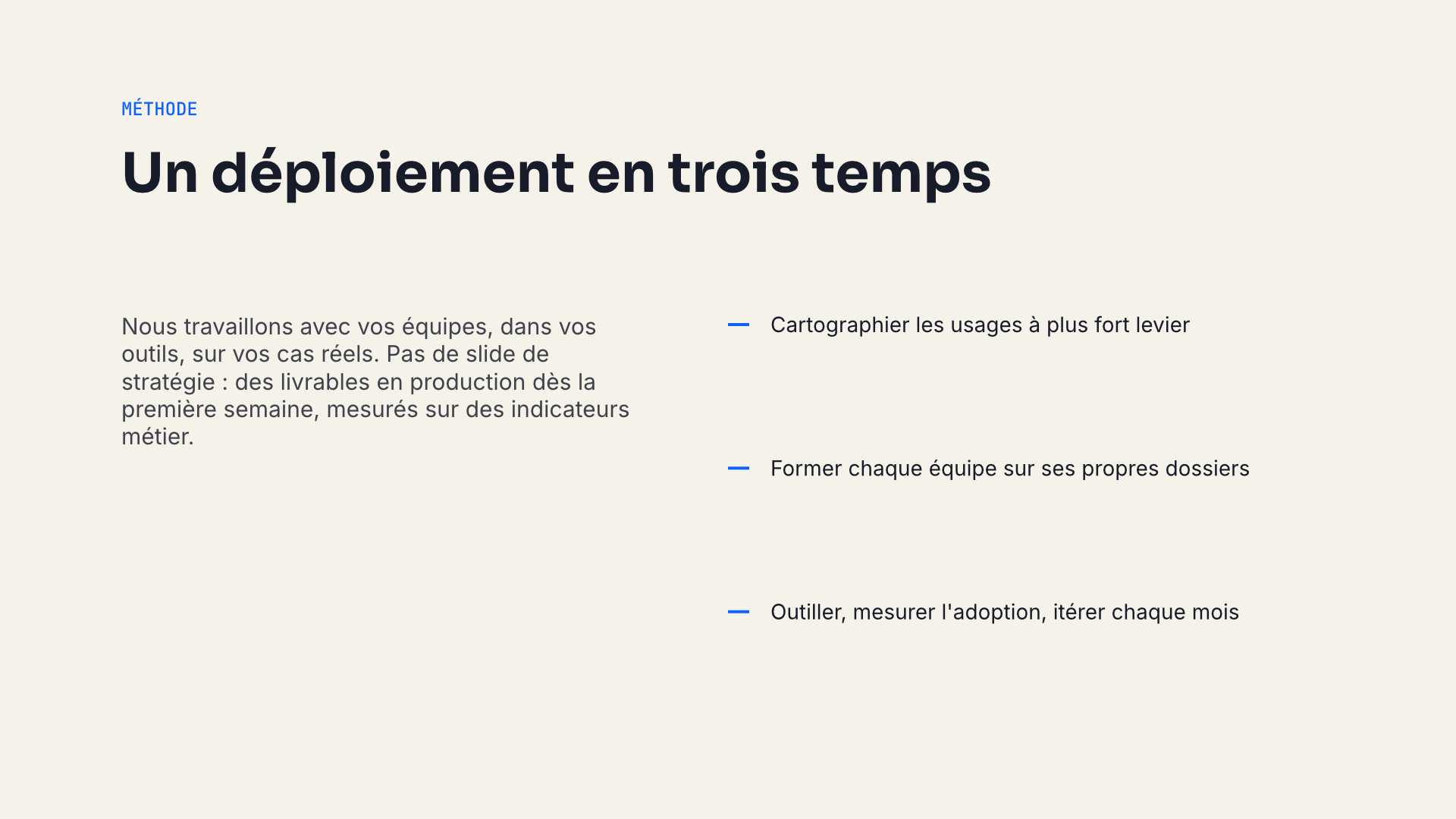
Real render from a standard template
Step-by-step: Create your first template
deck templates new --id my-template --name "My Template"- Edit the JSON file.
- Validate:
deck templates validate my-template.json - Install:
deck templates install my-template.json --pack my-pack - Test:
deck new test.deck --template my-pack/my-templatethen regenerate and render.
Best Practices
- Use only theme tokens ($colors., $fonts.).
- Set clear min/max on list slots.
- Include examples in slot descriptions.
- Always test full cycle: generate → manual edit → regenerate → PNG review.
- Start simple. A solid 5-7 slide template beats a monster one.
- Version your templates like code.
Advanced Examples
- Dynamic charts with data slots.
- Multi-zone layouts (title + cards + process + close).
- Decor and icons for personality.
Conclusion
A well-tested template reduces repeated setup and makes brand rules easier to apply consistently. Final review remains necessary, especially after a template or slot structure changes.
Start by duplicating a standard template, customize, test, then build your own.
FAQ
Can I edit standard templates?
Yes — duplicate and modify.
Are templates reusable?
Yes, stored locally and available for all decks.
Can AI create templates?
It can propose structure. You handle validation, constraints, and quality.