Templates and themes
Define the brand once, then compose within that system.
Describe your presentation: the assistant built into Decktype composes it in your templates, then you refine it in a real editor. No ChatGPT or Claude subscription needed: the assistant comes with the Autonomous plan, €29 a month.
Version 1.3.1 · Apple silicon Macs · free to edit and present
Consultants and freelancers, small business owners, trainers: you present often, and layout should not cost you the evening.
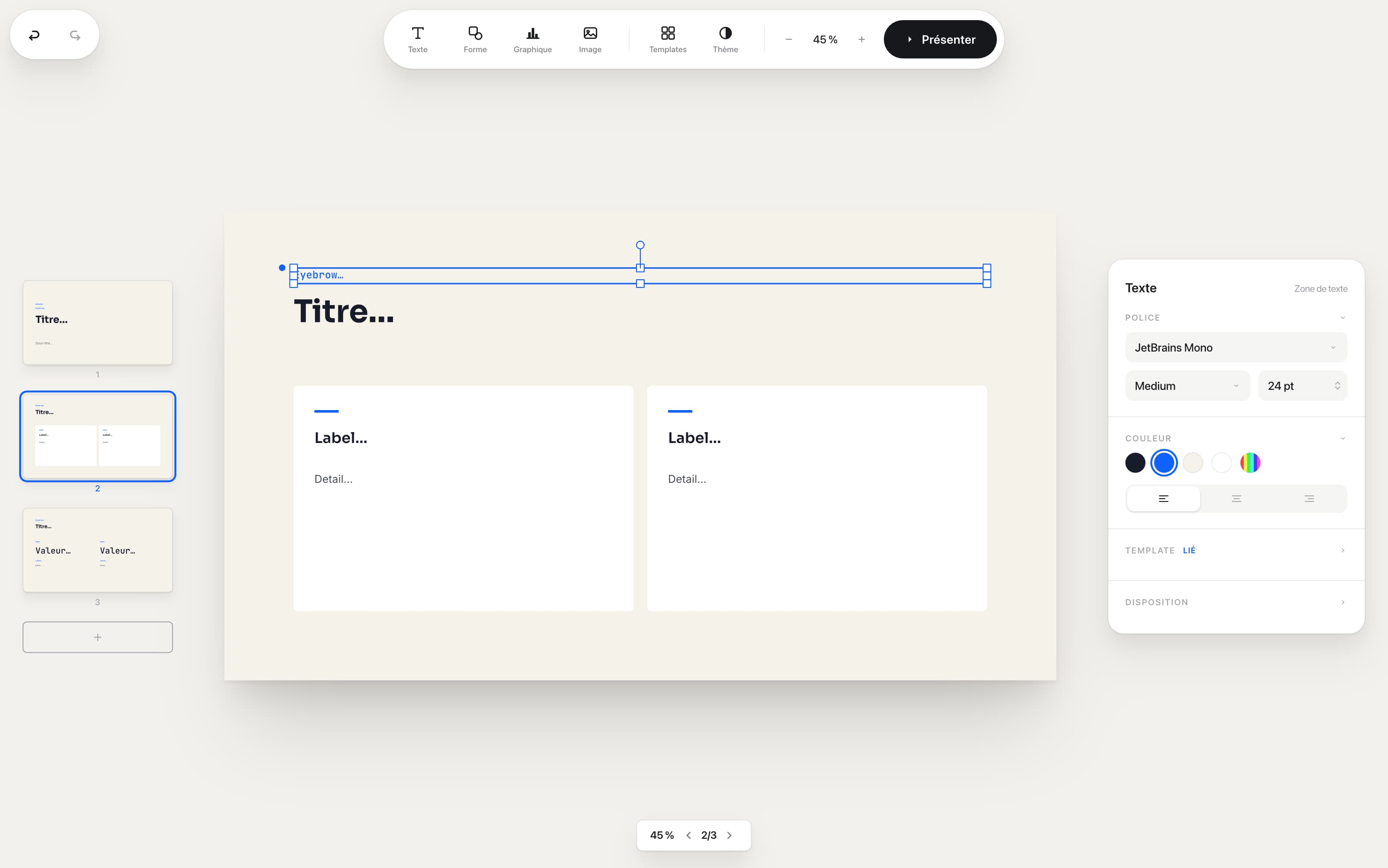
The canvas stays central, with the navigator on the left and inspector on the right. Work by hand in the editor, or let the Autonomous plan’s assistant draft the first version, then take it from there.
The Autonomous plan’s assistant, or an agent you connect yourself, fills the structured slots of your templates. Your manual edits become explicit overrides, so a targeted regeneration does not start from scratch.
The AI fills template slots and builds the narrative.
Adjust text, position, color and charts directly in the app.
The AI updates linked content without deleting human overrides.
One local file connects the AI’s passes to your edits.
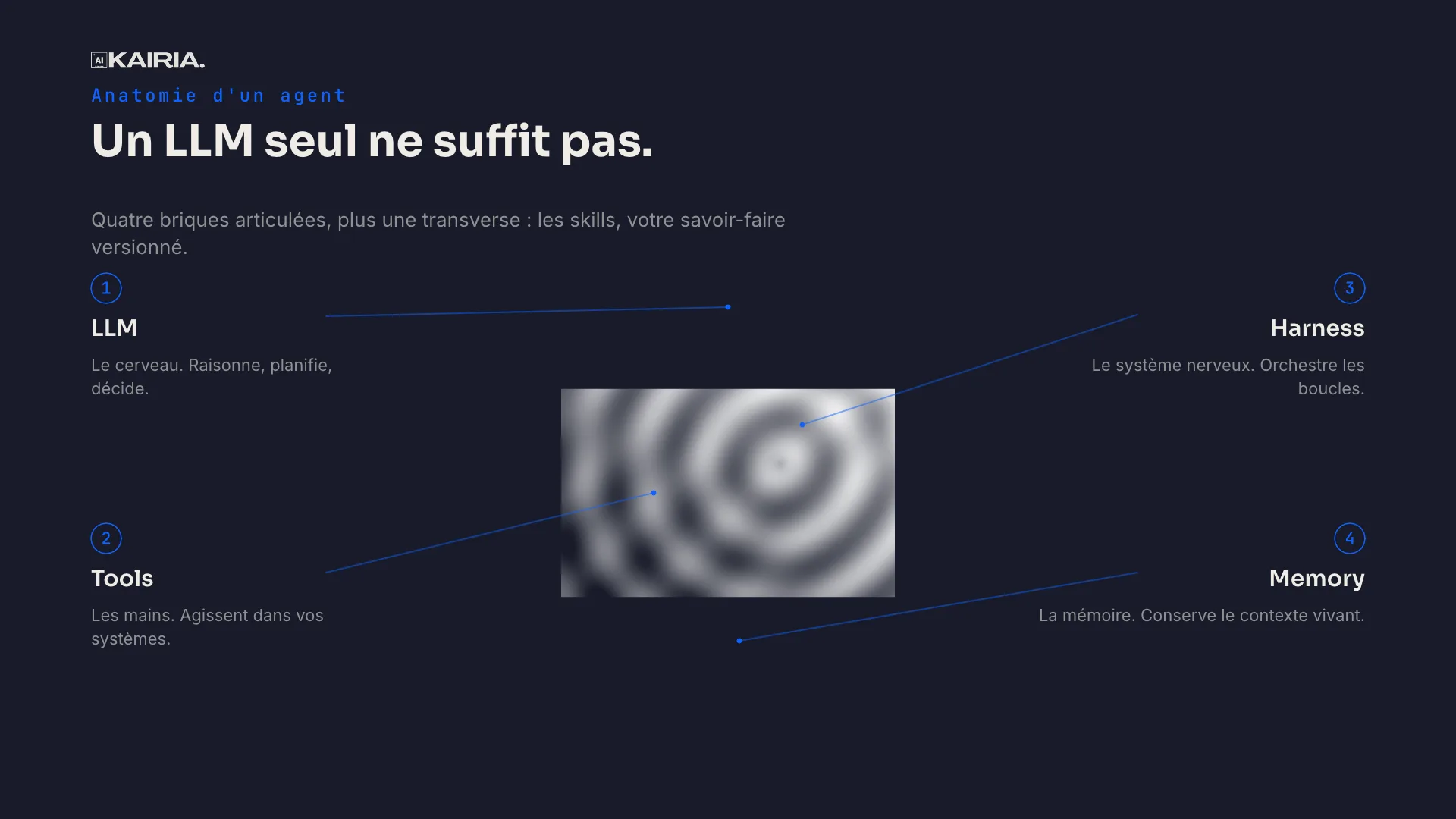
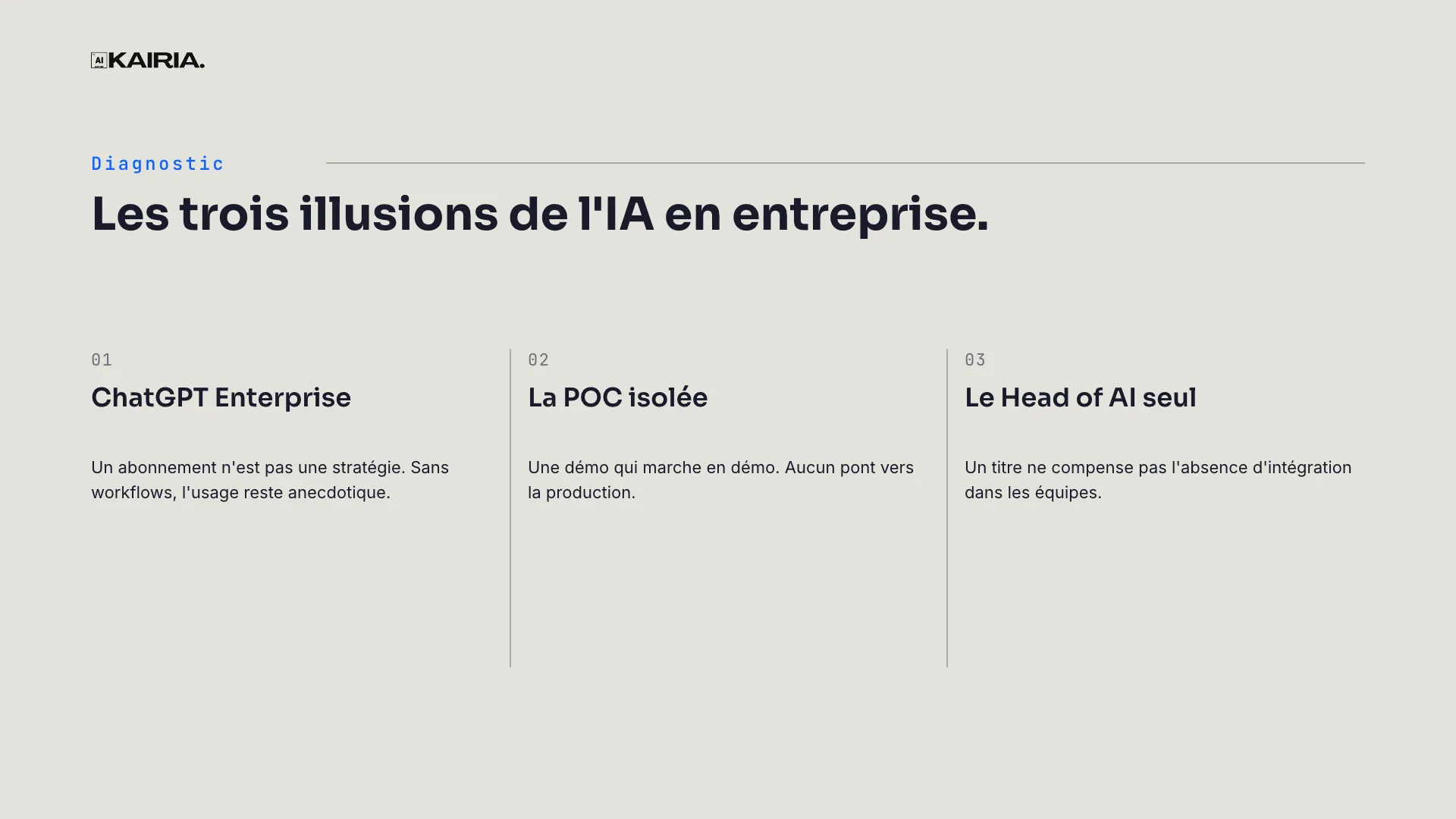
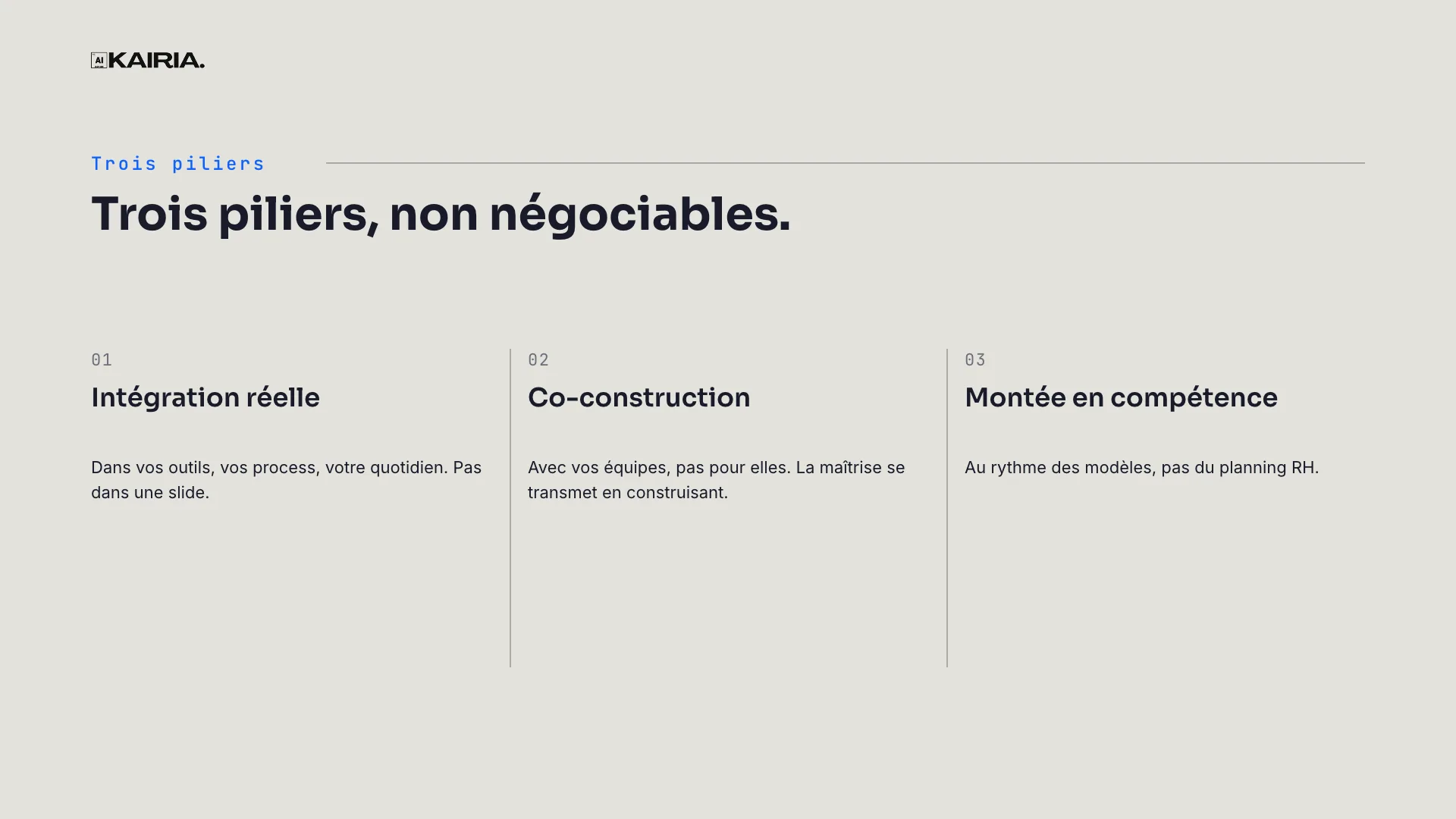
Kairia Vision contains 22 slides produced by the same renderer as the app. Here is every one of them, from cover to close.
Decktype installs what they need in a few clicks, on every plan, Free included. A .deck is a contract they write themselves: addressable slots in compact JSON, an engine that guarantees the render, no improvised layout.
14×less data to describe the same deck. Measured, not estimated.
A .deck is a structured local file. Version it, hand it to an agent, open it in the editor and deliver a PDF, PNG images or a PowerPoint file.
Define the brand once, then compose within that system.
Present from the app, including on a secondary display.
PDF and PNG for rendering; PowerPoint for continued client-side editing.
Your .deck files stay on your drive. When you use the Autonomous plan’s assistant, your message and the attached deck go through Decktype to Anthropic, and Decktype does not keep the conversation after the response. An agent you connect yourself follows its own provider’s terms.
Read our security approachA macOS application signed and notarised by Apple, free to edit and present, with no account to get started.
€29 a month from your Decktype account. Autonomous includes the assistant: no ChatGPT or Claude subscription.
Describe your presentation, adjust it in the editor, then export to PDF or PowerPoint.
Version 1.3.1 · Apple silicon Macs · free to edit and present