Decktype vs Gamma, Pitch and Plus AI: A July 2026 Workflow Comparison
A sourced comparison of editing surface, AI usage, collaboration and file boundaries across four presentation workflows.
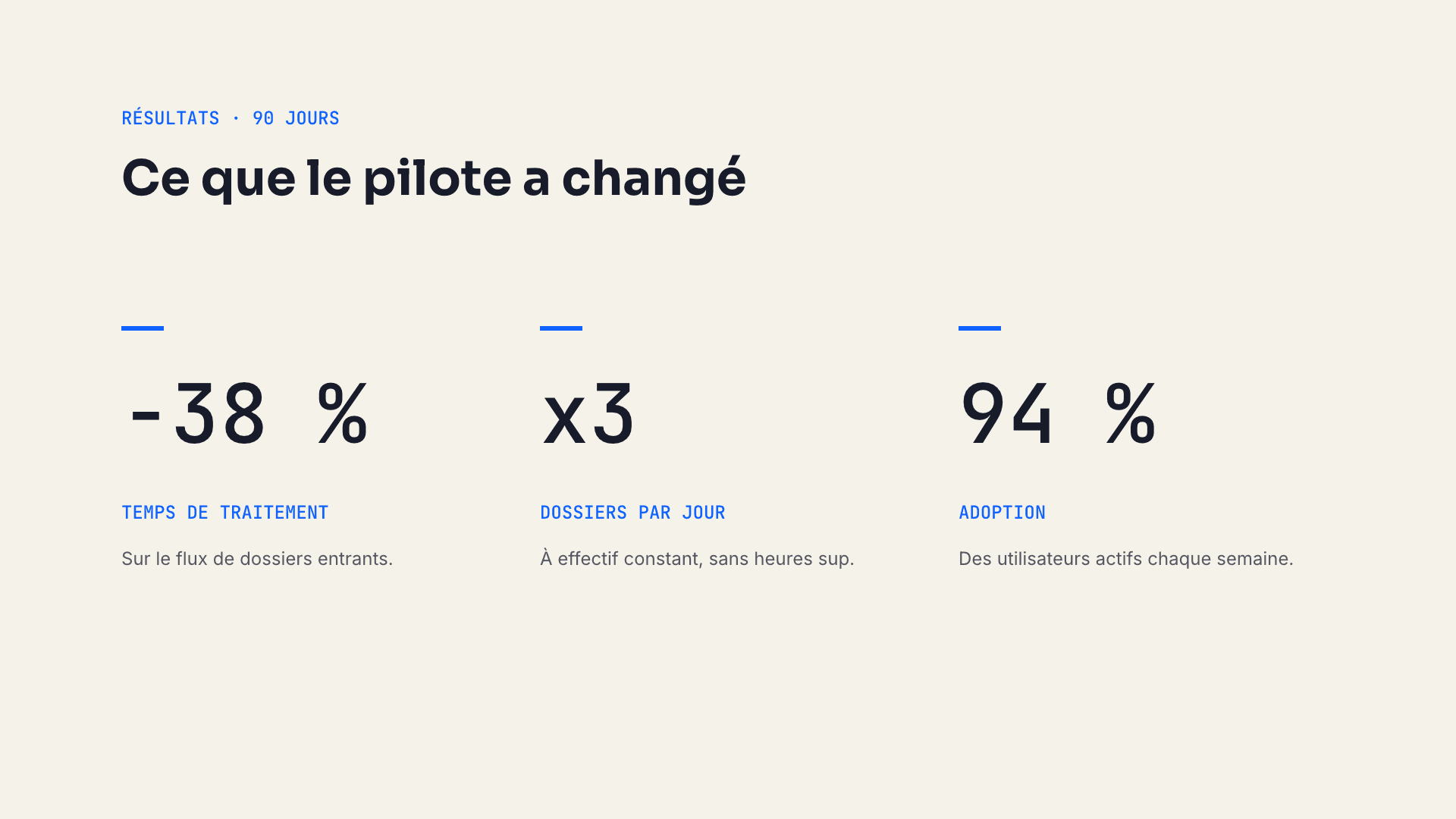
The right presentation tool depends less on a feature count than on where you want to edit, who needs to collaborate, and which file must reach the client.
This comparison was checked on July 15, 2026 against the vendors’ public pricing pages. Plans change, so review the current sources before buying: Gamma pricing, Pitch pricing, and Plus AI pricing. The Decktype details were checked on October 22, 2026; the Gamma, Pitch and Plus AI details remain dated July 15, 2026. Decktype is our product; statements about its architecture come from the product itself and are not an independent review.
At a glance
| Question | Decktype | Gamma | Pitch | Plus AI |
|---|---|---|---|---|
| Main editing surface | macOS app; web editor with Pro or Autonomous | Web application | Web and desktop apps | Add-in for PowerPoint and Google Slides |
| Current entry offer | Free local editor; Pro at EUR 12 per month | Free plan | Free plan for up to five workspace members | Seven-day paid-plan trial; card required |
| AI usage model | Your own agent (Claude Code, Codex) on every plan, or the built-in assistant with Autonomous | Integrated AI with plan-dependent usage | Integrated AI credits | Integrated monthly AI credits |
| Working file | Local, structured .deck file |
Gamma workspace content | Pitch workspace content | Native PowerPoint or Google Slides file |
| Collaboration | Real-time collaboration and link sharing with Pro or Autonomous | Sharing and web collaboration | Team collaboration is a core workflow | Collaboration inherited from PowerPoint or Google Slides plus plan features |
| Document output | PDF and PNG free; Keynote-compatible PowerPoint export with Pro or Autonomous | PDF, PPTX, PNG and Google Slides are listed on the free plan | PDF on free; PowerPoint on paid plans | Work remains inside PowerPoint or Google Slides |
The table describes product models, not output quality. Quality depends on the source material, template, model, font availability and the application used to open the final file.
Choose Decktype when the local file is the source of truth
Decktype makes sense when one person or a small team works on macOS, wants a readable local format, and already has an agent workflow. The agent fills structured template slots; the user refines the result in the native editor. Manual overrides remain explicit in the .deck file.
The trade-off is equally clear: Decktype starts from the local file, not the browser. Real-time collaboration does exist, in the app and the web editor with Pro or Autonomous, but it extends a .deck file rather than replacing it. And the desktop application is macOS only.
Choose Gamma for an all-in-one web workflow
Gamma combines prompting, editing, publishing and sharing in the browser. Its current free page lists imports from PDF and PPTX and exports to PDF, PPTX, PNG and Google Slides. Paid tiers expand card counts, models, branding and sharing features.
That makes Gamma convenient when installation and local file ownership are secondary to quick browser access. It is a different architecture from Decktype, not a lesser version of the same one.
Choose Pitch for continuous team collaboration
Pitch is built around shared workspaces, guests, comments and presentation links. Its July 2026 pricing page lists a free workspace for up to five members with a one-time allocation of AI credits. Paid tiers add recurring credits, unbranded output, PowerPoint export, advanced links and version history at higher levels.
Choose it when multiple people must edit and review the same presentation continuously. That collaborative source of truth is precisely what a file-first local workflow does not try to replace.
Choose Plus AI when PowerPoint or Google Slides must remain the editor
Plus AI operates inside PowerPoint and Google Slides. Its pricing page lists a seven-day trial and credit-based paid plans, with higher tiers for branding, team presets and heavier agent usage.
This route minimizes tool switching for organizations already standardized on Microsoft 365 or Google Workspace. The native office file remains central; the AI is an add-in rather than a separate presentation editor.
A practical decision sequence
- Decide where the authoritative file must live: local
.deck, a web workspace, PowerPoint or Google Slides. - Decide whether live multi-user editing is required or whether file handoff is enough.
- Check which account receives confidential prompts and what retention policy applies.
- Test one representative client deck, including its fonts, charts and final export path.
- Recheck pricing on the purchase date.
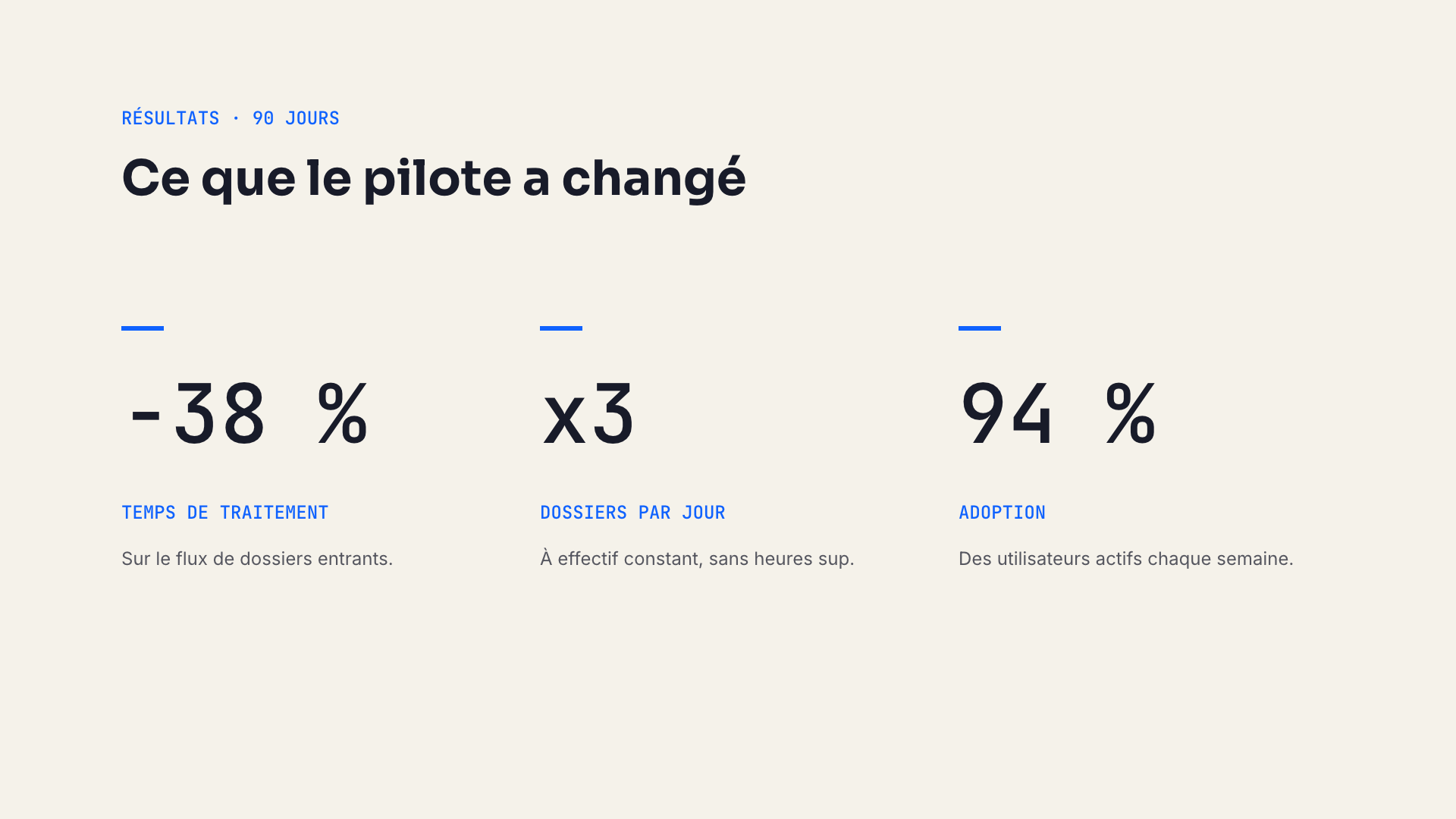
A real Decktype render. It demonstrates the renderer, not a universal quality ranking.
To test the file-first option, download Decktype for macOS.