AI Presentations for Consultants: A File-first Workflow
How to combine a structured local deck, an external AI agent, manual review and a client-ready delivery process.
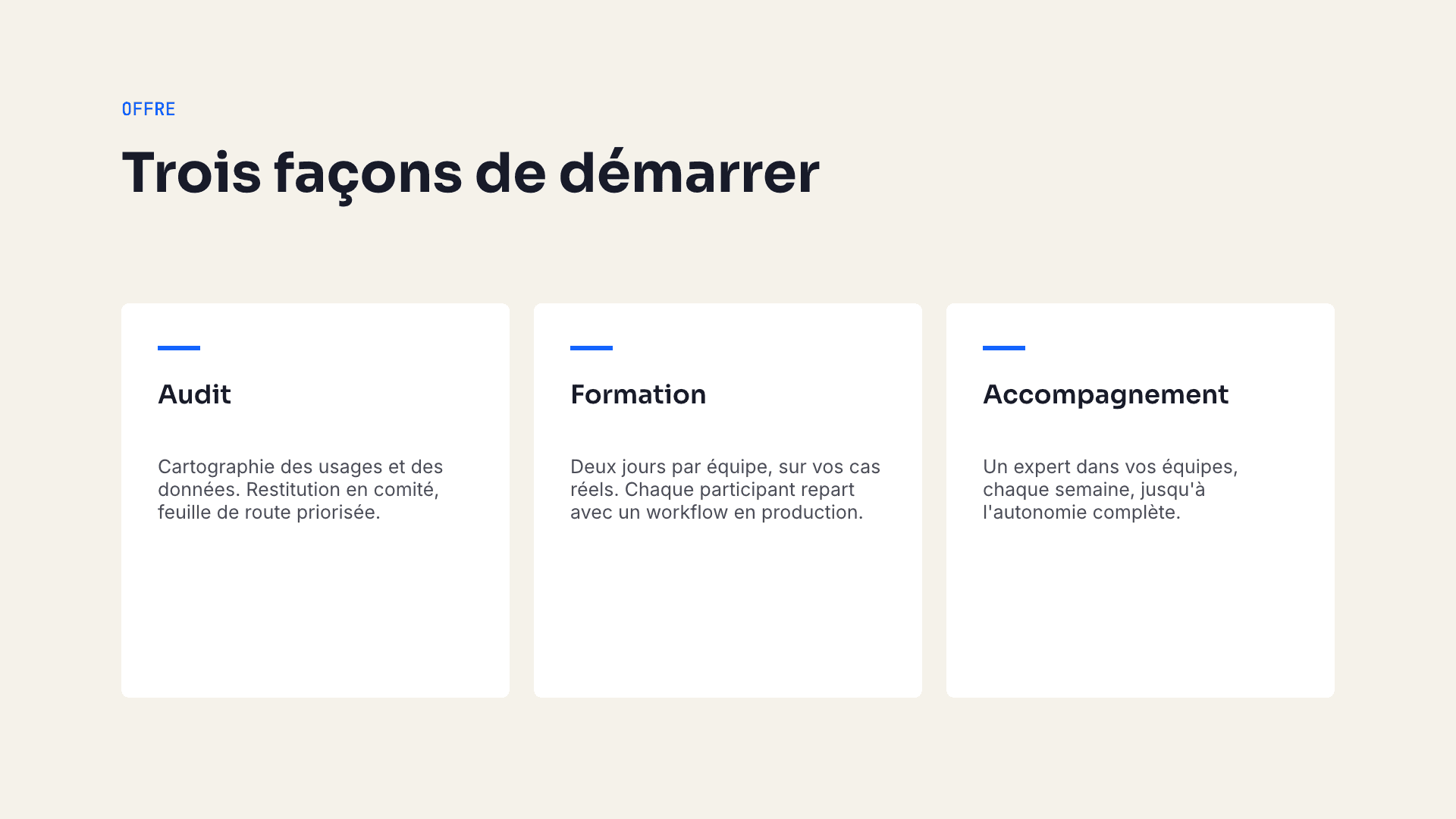
Consulting presentations rarely fail because a first draft cannot be generated. They fail later: the structure does not fit the client’s story, the brand drifts, numbers change, and the final file must survive another person’s computer.
An AI presentation workflow for consultants therefore needs a source of truth, an editing checkpoint and a delivery test—not only a prompt box.
Start with the delivery constraint
Before choosing an agent or template, answer four questions:
- Must the client receive PDF, PowerPoint or both?
- Which fonts and brand assets are licensed and available on the recipient’s machine?
- Does the brief contain NDA-protected or regulated information?
- Who will update the presentation after handoff?
Those answers determine the workflow. A polished web link is useful for one engagement; an editable office file may be mandatory for another.
Use the .deck file as the working source
Decktype stores presentation structure in a local .deck file. Templates define layout slots, theme tokens and constraints. An external agent can fill those slots without inventing raw coordinates for every element.
The user then opens the same file in the native macOS editor to review the argument, correct figures and refine the composition. Manual overrides remain explicit, so a later agent pass can update linked content without silently rebuilding the entire slide.
Check which plan covers each output
Decktype is available for Apple silicon Macs. The application is free for local editing, presenting and PDF/PNG output; PowerPoint export and the cloud belong to the paid plans.
PowerPoint output and unlimited brand kits are attached to the Pro and Autonomous plans. If a client contract requires PPTX, check the output on a real deck before committing to that delivery path. Keynote opens PowerPoint files; it is not a separate native Decktype export format.
Treat confidentiality as a chain
The .deck file is not automatically uploaded to Kairia. A brief sent to Claude, OpenAI or another provider does leave the local editor and follows that provider’s account settings and terms.
For confidential engagements:
- remove unnecessary identifiers before prompting;
- use an organization-approved provider and account;
- store local files and backups in approved encrypted locations;
- inspect notes, metadata and embedded assets in the final export;
- apply the client’s retention policy after delivery.
Read the full Decktype security boundary before using sensitive material.
A repeatable consultant workflow
- Turn the assignment into a short narrative outline with decisions, evidence and open questions.
- Select or create a template that encodes the actual client brand.
- Give the agent only the source material it is allowed to process.
- Generate the
.deck, then review every claim and number in the editor. - Ask the agent for targeted changes rather than regenerating approved slides.
- Present from Decktype or export to the required format.
- Open the delivered file in the recipient application and inspect every slide.
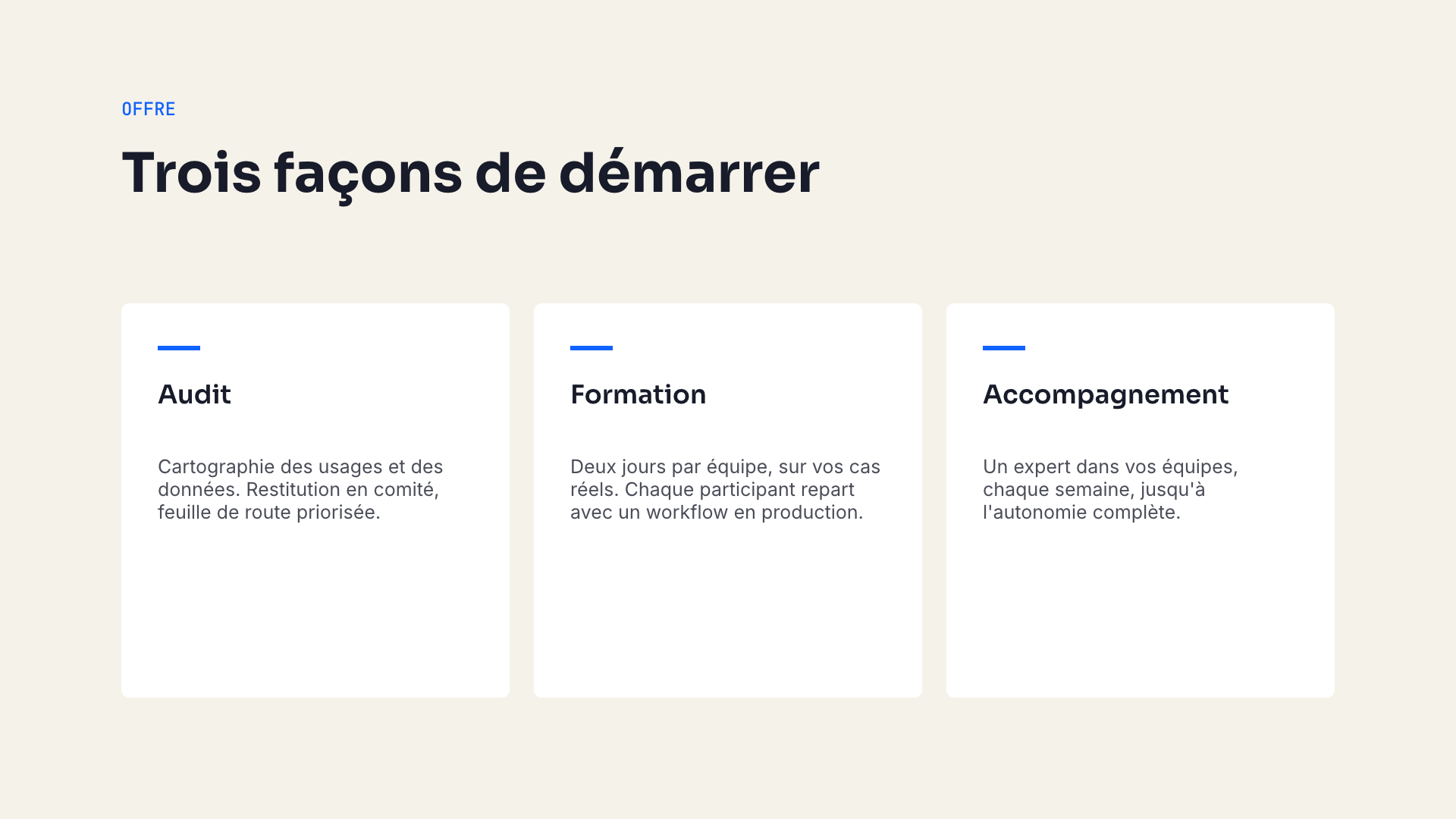
A real Decktype render. The useful proof is the repeatable file workflow, not an invented time-saving statistic.
To evaluate the local editor, download Decktype for macOS.